oh i forgot to mark as url... -> http://cfgfactory.com/skins/show/4eb96baf8c846#
H
hercules
just watch the screenshots and u read
F
Flrianl
mouse accel you know? basically its ur mouse going slower when you start moving and getting faster, or its getting slower when you stop moving. pretty shit in games. the thing he uploaded disables it. easy as fuck. meh, hate my shit english.
H
hercules
exactly! ty mate
H
hercules
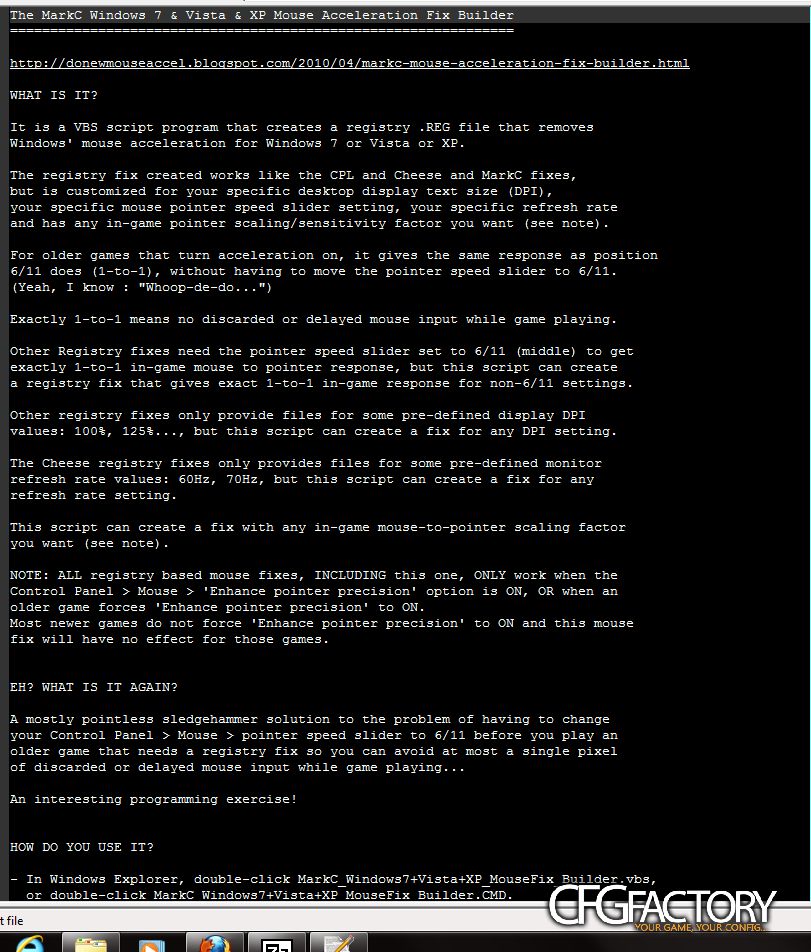
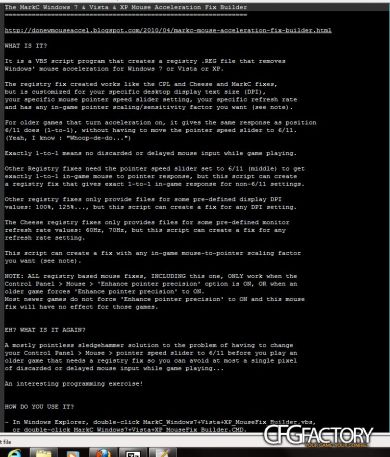
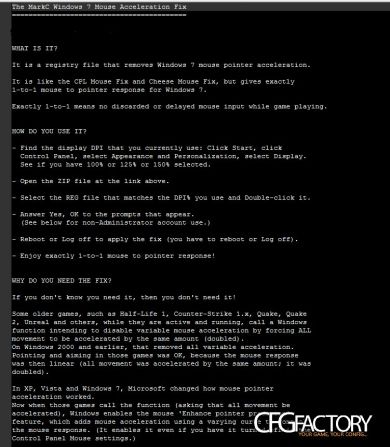
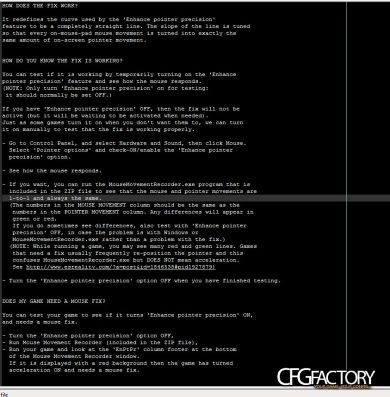
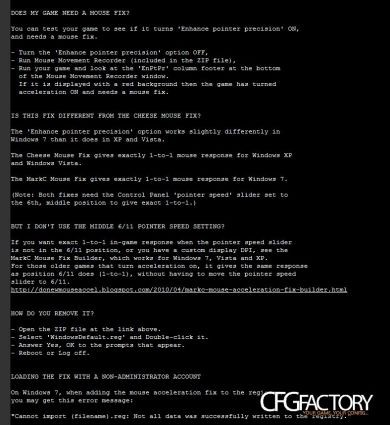
WHAT IS IT?
It is a registry file that removes Windows 7 mouse pointer acceleration.
It is like the CPL Mouse Fix and Cheese Mouse Fix, but gives exactly 1-to-1 mouse to pointer response for Windows 7.
Exactly 1-to-1 means no discarded or delayed mouse input while game playing.
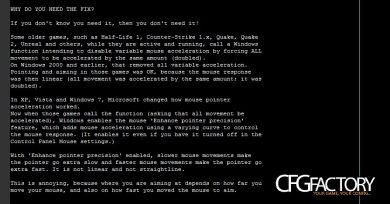
WHY DO YOU NEED THE FIX?
If you don't know you need it, then you don't need it!
Some older games, such as Half-Life 1, Counter-Strike 1.x, Quake, Quake 2, Unreal and others, while they are active and running, call a Windows function intending to disable variable mouse acceleration by forcing ALL movement to be accelerated by the same amount (doubled). On Windows 2000 and earlier, that removed all variable acceleration. Pointing and aiming in those games was OK, because the mouse response was then linear (all movement was accelerated by the same amount; it was doubled).
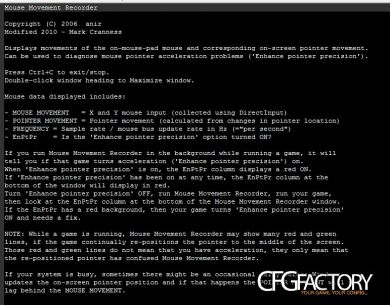
In XP, Vista and Windows 7, Microsoft changed how mouse pointer acceleration worked. Now when those games call the function (asking that all movement be accelerated), Windows enables the mouse 'Enhance pointer precision' feature, which adds mouse acceleration using a varying curve to control the mouse response. (It enables it even if you have it turned off in the Control Panel Mouse settings.)
With 'Enhance pointer precision' enabled, slower mouse movements make the pointer go extra slow and faster mouse movements make the pointer go extra fast. It is not linear and not straightline.
This is annoying, because where you are aiming at depends on how far you move your mouse, and also on how fast you moved the mouse to aim.
K
KLIMAXX
do you get ban?
H
hercules
lol no
H
hercules
it only changes some windows settings... it doesnt change anything @ cod4 or any other games...
D
dzemohendrix
Only an engineer would understand the way you explained this. I do. I go to an electrical engineering high school. And I understand the explanation . Good work man but you will need to simplify the text for these slower minders :P


 Damo
 VERBA
 DamageDealer
 yembalaa
 deevazjeka
 hercules
 KLIMAXX
 dzemohendrix