
CFGFactory Justin's CFG

Description

Hi all,

Here you got my config, because some people requested. I've never uploaded it before, so here it isTongue out.

It has a lot of my scripts in it (some already released and some not yet) and maybe some other useful things in it. I had invested a lot of time in it so I hope you like it.

Some few instructions to use this cfg:

- It might help to press backspace to fix not properly working scripts. (it resets scripts)

- Not all scripts are made for every fps. (some for 125 and some for 250). You can often fix this by editting the wait in the script.

- For everything else in the cfg you should figure out yourself xD

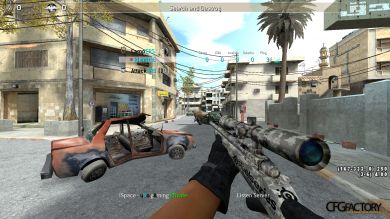
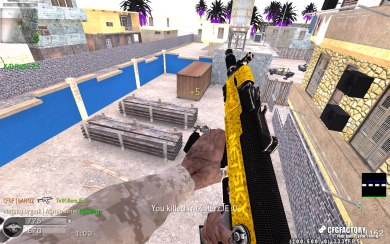
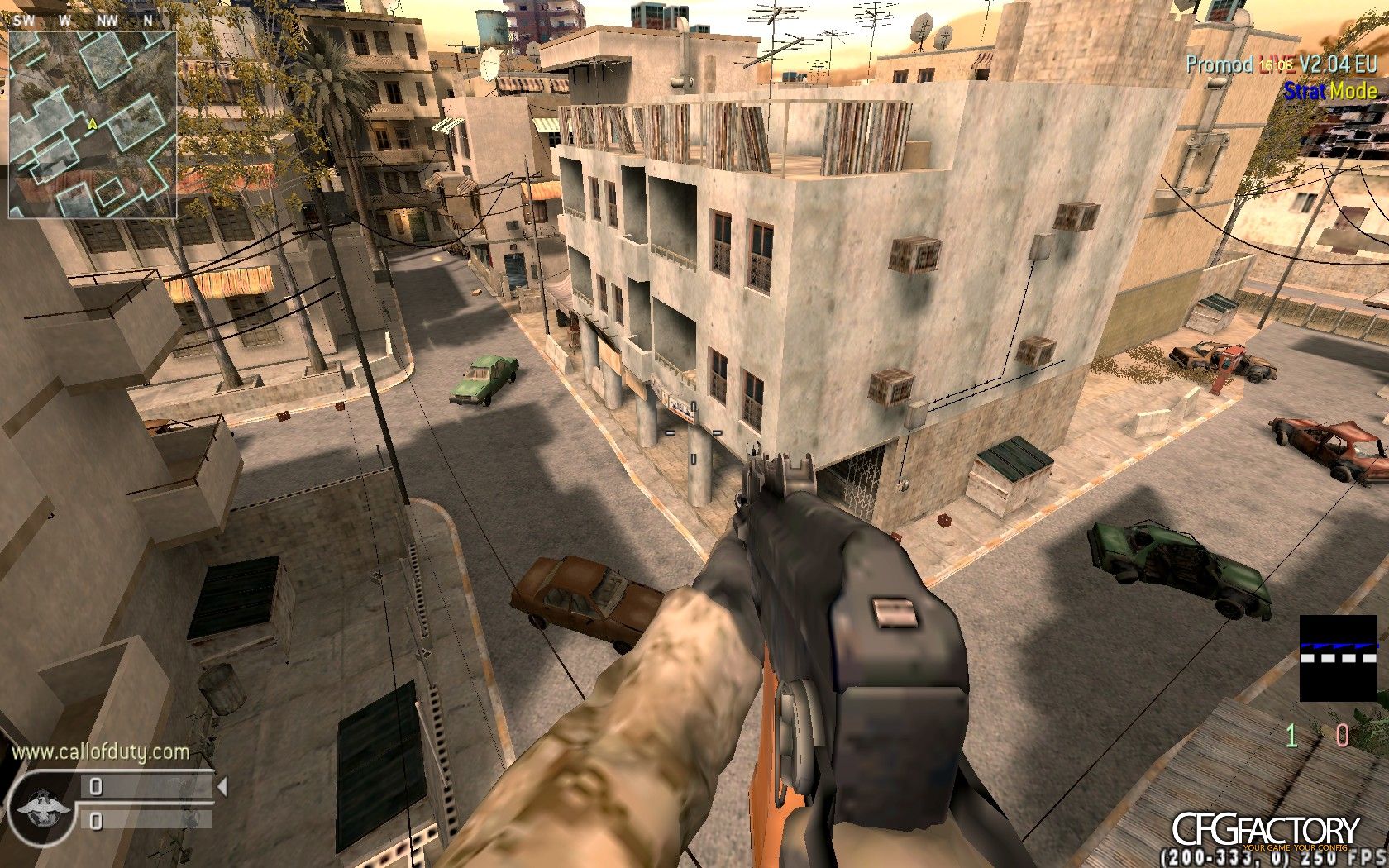
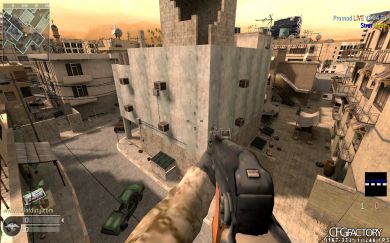
BTW: The screenshots might not represent your ingame experience. Those are just some screenshots i found om my xfire profile. http://www.xfire.com/profile/rumabatu/screenshots/

Greetz,

CFGFactory Justin

Comments 14

B
plbartzz
Now everyone is going to be scripting everywhere xd
L
gbLawrenceJ
very niccee!!
D
gbDawidosman14
I think this cfg is very useful for glitching staff but the thing is that we dont know which bind is for which glitch :D. So can u make something like tutorial, it would be nice of you ;] Please! :D
L
gbLawrenceJ
open the cfg and read binds
I
usidevore
When i try to copy the bind
"bind MOUSE2 "+speed_throw;-sprint;vstr zoom;-speed_throw""
into my own CFG it doesnt work? any ideas? btw sick filmtweaks B)
I
usidevore
o_0 nevermind :-)
L
czlukasmaz
so much script....
J
nlJustin
http://www.xfire.com/video/393106/
This is done with the jump script on KP_PGUP. (when you press 0 you can change the direction of the jump script.
D
gbDawidosman14
Is there any other specific bind for other specific glitch in this cfg ? or just this http://www.xfire.com/video/393106/ ?
R
gbrybond13
Hi, I put the MOUSE1 and MOUSE2 Commands in my cfg and they dont work :S any ideas? thanks :|
J
nlJustin
@rybond13: the vstr refers to a dvar located elsewhere in the cfg, that's why.
If the is something like this:
bind x "vstr qwerty"
You should look for something like this:
seta qwerty "say something"
R
gbrybond13
@Justin So Do i just add "bind x "vstr qwerty" in too my cfg? Im not that good with commands and stuff :(
O
froxidzR
U must add bind x "vstr qwerty" into your config. Then, search for seta qwerty "blablabla....", copy and paste it into your cfg and it'll works :)
O
froxidzR
search seta qwerty "blablabla..." into justin's config I forgot that detail

Comments are archived - posting is closed.
More from Configs