Call of Duty 4: Modern Warfare 7754Grand Theft Auto IV 5026Call of Duty 2 345Call of Duty: Modern Warfare 2 246Call of Duty: World at War 196Black Ops 2 85Call of Duty: Modern Warfare 3 62Battlefield 2 42Call of Duty: Black Ops 37Counterstrike: Source 21Counterstrike Global Offensive 10Farming Simulator 2013 4Crossfire 3MODELS 2NEWS 1
HiMMA CFG!
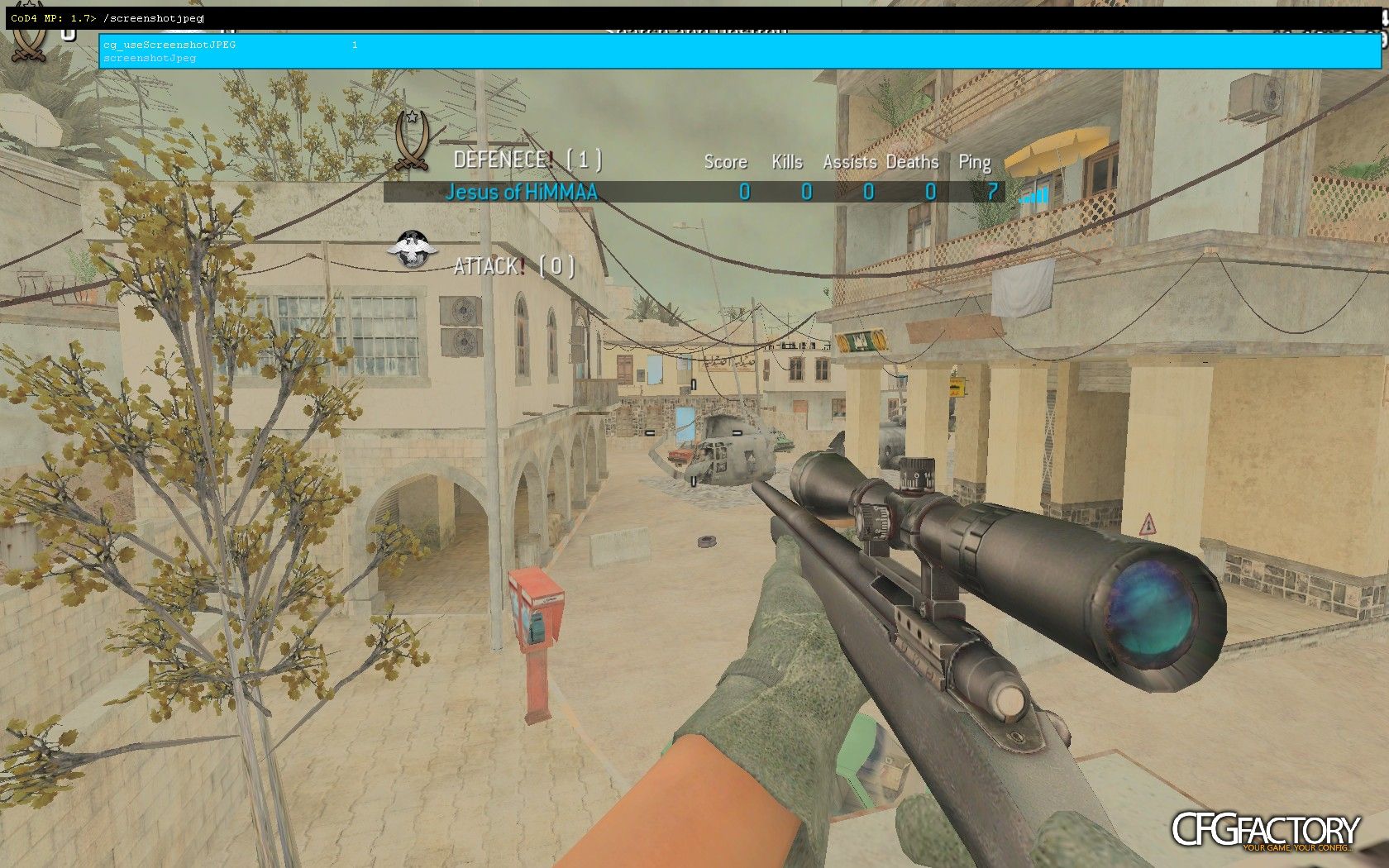
Description
My ingame cfg :)
---------------------------------------------------------------
////////
Step 1 /
///////////////////////////////////////////////////////
/////////////Install NOTEPADE++////////////////////////
Step 1 /
///////////////////////////////////////////////////////
/////////////Install NOTEPADE++////////////////////////
//////////////////////////////////////////////////////
Step 2/
///////////////////////////////////////////////////////////////////////////////////////////////////////////////
Open MyComputer,Open LocalDisc,ProgramFiles,Activision,Right klick on iw3mp and klick on Edit with Notepade++/
/////////////////////////////////////////////////////////////////////////////////////////////////////////////
Step 3/
//////////////////////////////////////////
Go on SEARCH,FIND/////////////////////////
/////////////////////////////////////////
Step 4/
//////////////////////////////////////////////////////////////////////
Enter the following: /
r_lodscalerigid CHANGE IN j_lodscalerigid 4; /
r_lodbiasrigid CHANGE IN j_lodbiasrigid 0;
r_polygonoffsetbias CHANGE IN j_polygonoffsetbias -16;
r_lodscaleskinned CHANGE IN j_lodscaleskinned 4;
com_maxfps CHANGE IN con_maxfps;
cl_maxpackets CHANGE IN cf_maxpackets;
//////////////////////////////////////////////////////////////
Step 5/
//////////////////
Go on X(Quit) and Save/
////////////////
Step 6/
////////////////////////////////////////////////////////////////
Open file PLAYERS,PROFILES,YOUR PROFILE and Paste my ingameCFG/
//////////////////////////////////////////////////////////////
Step 7/
////////////////////////////////////
Close everything and start playing/
//////////////////////////////////
Step 2/
///////////////////////////////////////////////////////////////////////////////////////////////////////////////
Open MyComputer,Open LocalDisc,ProgramFiles,Activision,Right klick on iw3mp and klick on Edit with Notepade++/
/////////////////////////////////////////////////////////////////////////////////////////////////////////////
Step 3/
//////////////////////////////////////////
Go on SEARCH,FIND/////////////////////////
/////////////////////////////////////////
Step 4/
//////////////////////////////////////////////////////////////////////
Enter the following: /
r_lodscalerigid CHANGE IN j_lodscalerigid 4; /
r_lodbiasrigid CHANGE IN j_lodbiasrigid 0;
r_polygonoffsetbias CHANGE IN j_polygonoffsetbias -16;
r_lodscaleskinned CHANGE IN j_lodscaleskinned 4;
com_maxfps CHANGE IN con_maxfps;
cl_maxpackets CHANGE IN cf_maxpackets;
//////////////////////////////////////////////////////////////
Step 5/
//////////////////
Go on X(Quit) and Save/
////////////////
Step 6/
////////////////////////////////////////////////////////////////
Open file PLAYERS,PROFILES,YOUR PROFILE and Paste my ingameCFG/
//////////////////////////////////////////////////////////////
Step 7/
////////////////////////////////////
Close everything and start playing/
//////////////////////////////////
copy by Smex inGameProCFG :) cba to write this all
XFIRE:yesser123456789
⇩ Download
Mirror: CFGFactory (DE)
File info
- AuthorHiMMA
- Uploader
 HiMMA
HiMMA - Websiten/a
- UploadedMarch 23, 2012, 11:55 pm
- Size1.67 MB
- Downloads356
- Rating★★★☆☆ 5.84/10