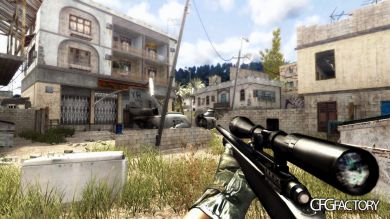
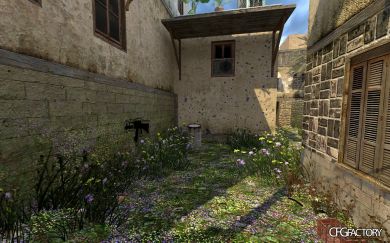
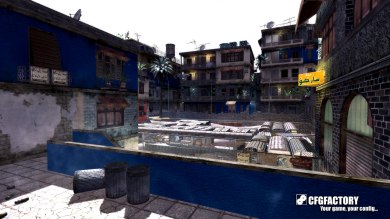
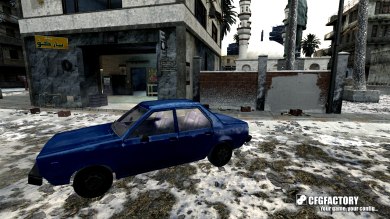
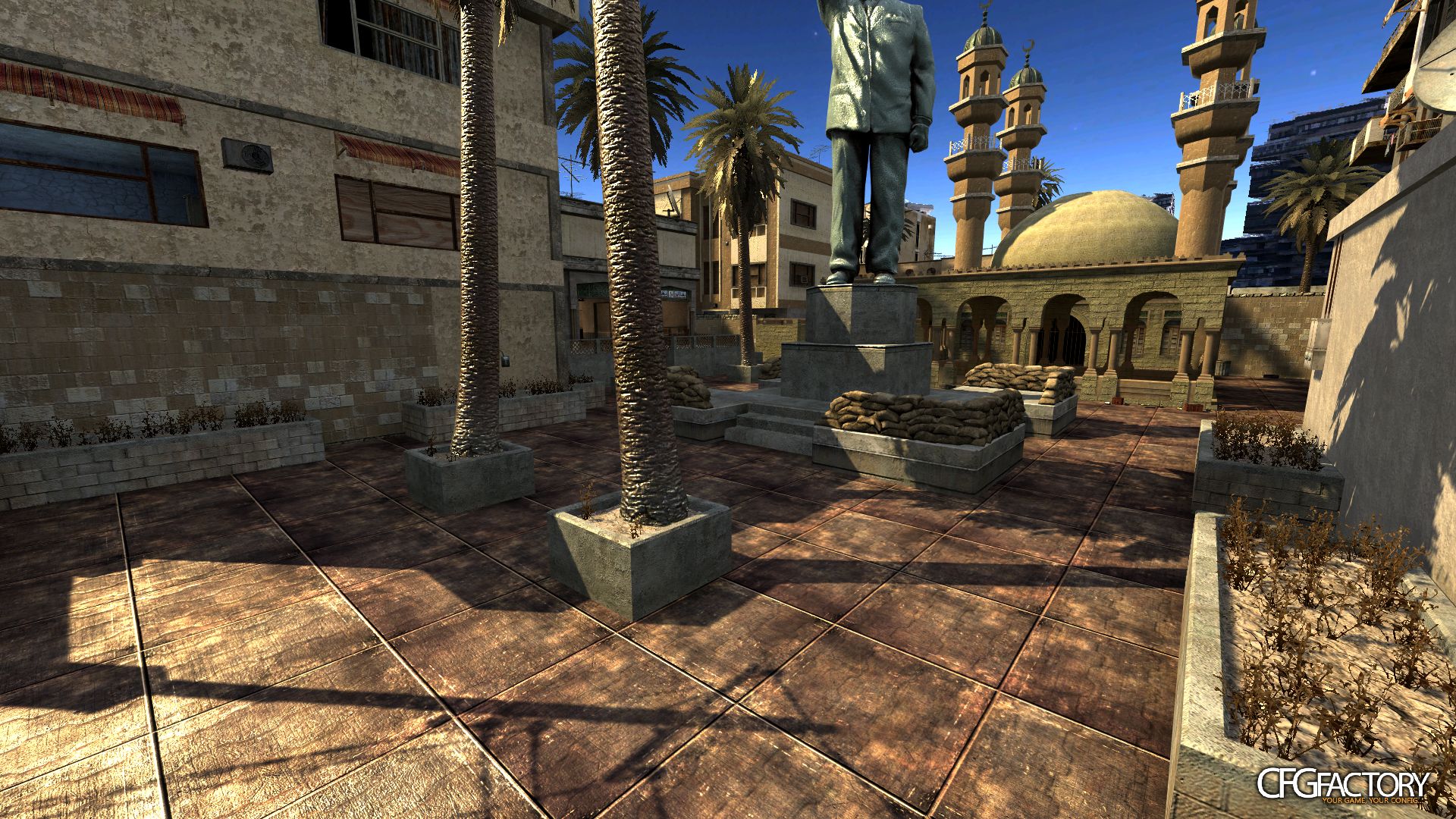
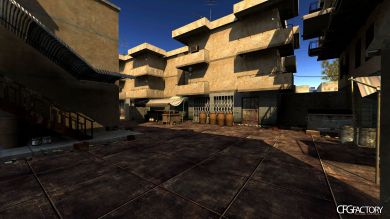
Some Flour texture i've made when i was bored. Original texture by Skyppy
Comments 11
A
AkaCrabby
Nice texture, but doesn't fit the map well at all.
S
SuPeRPiiG
make a mod to remove those hidious background buildings that have a purple/blue tint to them pls :)
I
inertia
shit
K
koene007
inertia on May 16 2012 21:10:30 shit Thx :)
C
china182
4M4Z1NG!!!111 :):):):)
C
china182
D
dannybolivar
How i can use this??? what folder? help me please!
C
Crusher
ty good:)
K
klo145
CooL :rainbows:
Y
yinzemate
THIS ISNT FLOUR YOU MISLEAD ME
T
Talha6565
Installation : 1. Go to control panel- folder options-view tab-and uncheck "Hide extensions for know file types"
2.Go to ur CoD4-main folder- rename : iw_00.iwd to localized_english_aa.iwd iw_01.iwd to localized_english_aab.iwd iw_02.iwd to localized_english_aac.iwd iw_03.iwd to localized_english_aad.iwd iw_04.iwd to localized_english_aae.iwd
3.Make a folder called ''images'' in your desktop in images folder put any skin/texture file (.iwi file) there : when you download a skin (sky,weapons,teams camouflage,wall textures) open it with winrar and explore it until you find the iwi files they are always in images folder... put them in the images folder you made in your desktop
4.Right click on images folder and choose Add to archive.. name it as localized_english_aw07
5.Rename your localized_english_aw07.rar to localized_english_aw07.iwd



 AkaCrabby
 SuPeRPiiG
 koene007
 china182
 dannybolivar
 klo145
 Talha6565