Call of Duty 4: Modern Warfare 7754Grand Theft Auto IV 5026Call of Duty 2 345Call of Duty: Modern Warfare 2 246Call of Duty: World at War 196Black Ops 2 85Call of Duty: Modern Warfare 3 62Battlefield 2 42Call of Duty: Black Ops 37Counterstrike: Source 21Counterstrike Global Offensive 10Farming Simulator 2013 4Crossfire 3MODELS 2NEWS 1
Gripen VTOL Guns & Rockets Beta Updated 3
Description
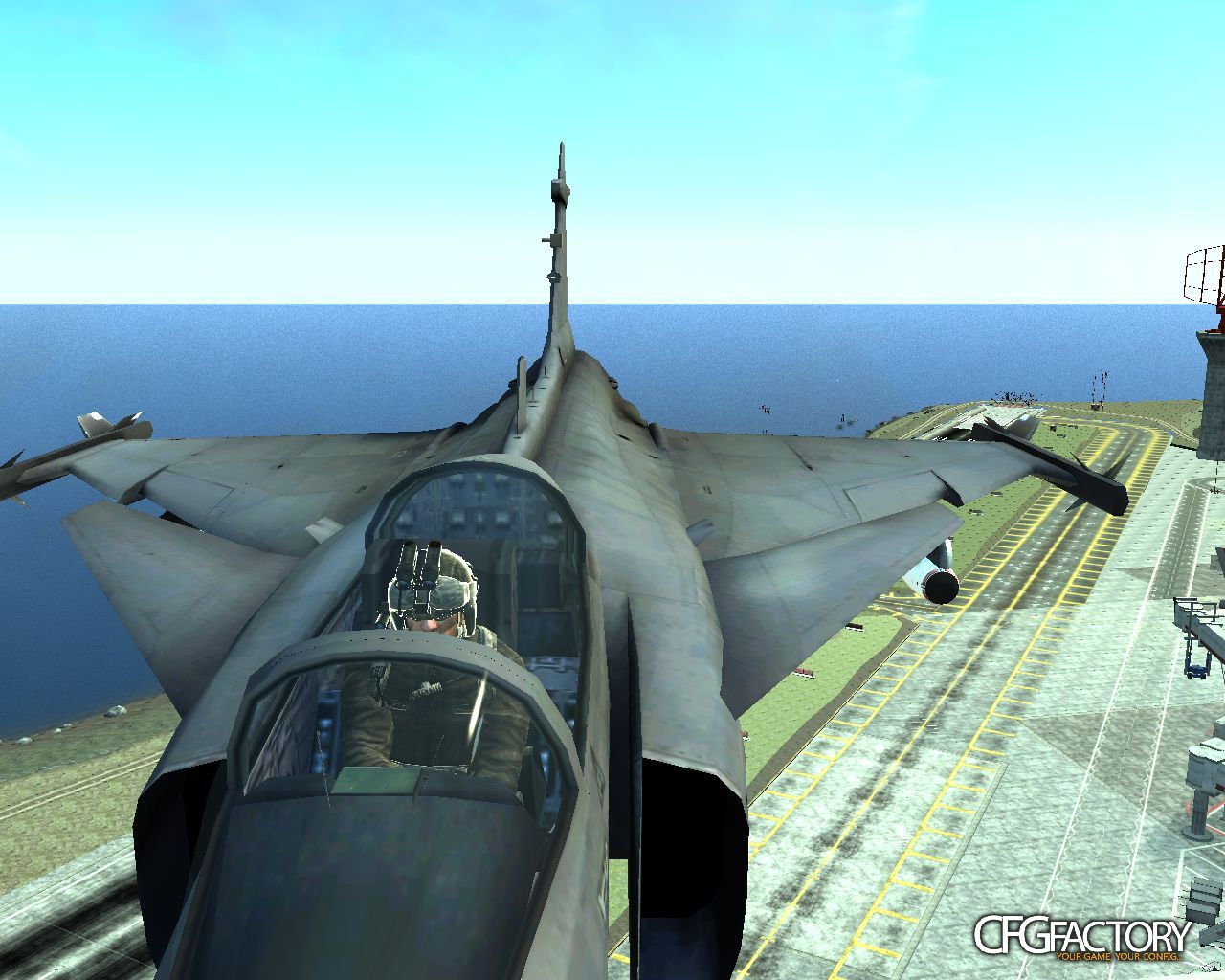
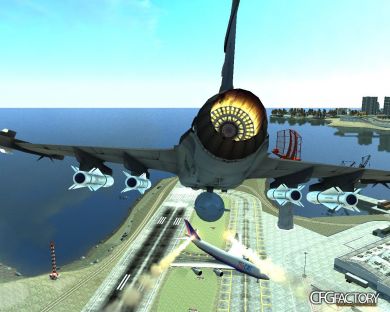
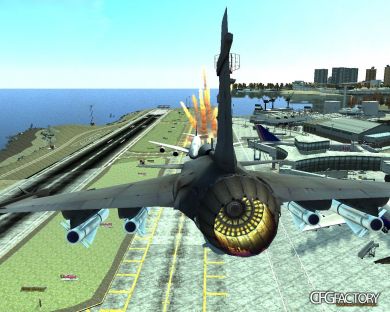
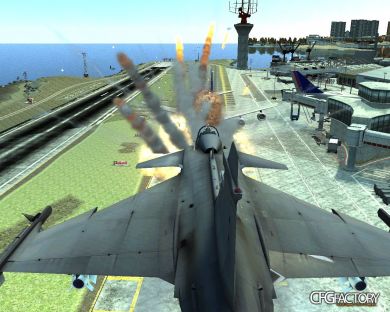
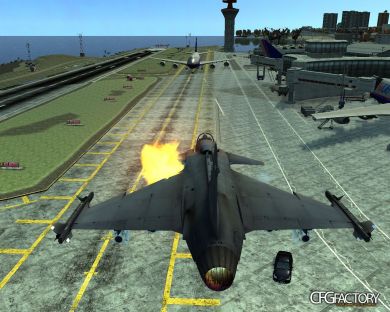
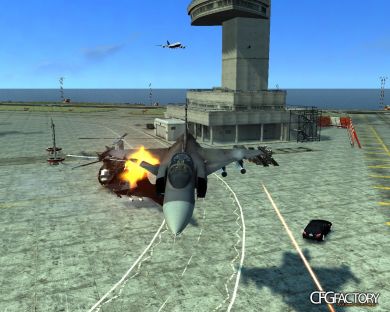
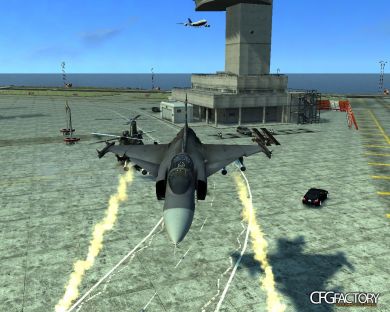
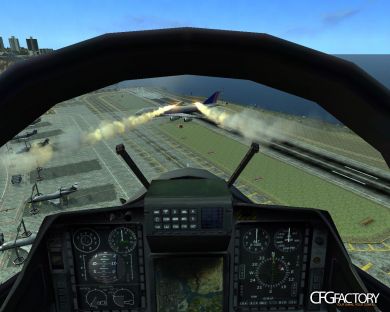
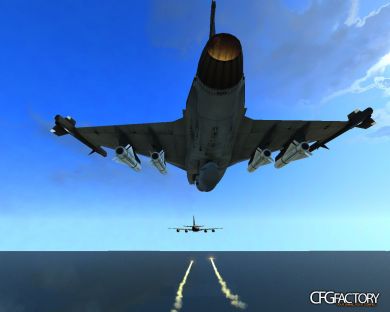
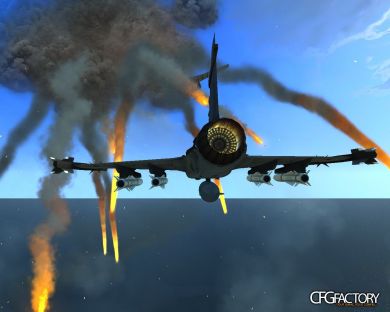
Saab JAS 39 Gripen (VTOL) Guns & Rockets Beta
Tested in GTA IV patch 1.0.4.0 must work in all patchs and EFLC
Features:
1.- Vertical Take Off and Landing
2.- Working Guns
3.- Working Rockets
4.- Jet Engine Sound
Note:
The VTOL GRIPEN is on stage of development
Credits:
All the Credit to udihow
I just Help a Bit (CORE.MAX2010)
Rockets mod by Nixolas1
Rockets mod for GTA IV patch 1.0.7. by metalwars
Player Model MW2 Soap by ac.amir
Before Install:
1.- You must use Spark IV Tool, Download from
http://www.gta4-mods.com/tools/sparkiv-065-for-gta-iv-1010---1060-f4774
2.- Install it
3.-You should use Simple Native Trainer 6.0 (or upper) Download from http://www.gtagarage.com mods/show.php?id=5646
4.-Install it.
Install the GRIPEN
1.- Backup originals files
2.- Select your option
3.- Open SparkIV and replace annihilator.wtd and annihilator.wft to C: ... Grand Theft Auto IV/pc/models/cdimages/vehicles.img
4.- Save and rebuild
Note: Also You can replace the TBOGT buzzard (after: you must find a buzzard sound file to replace it with the Jet Engine Sound)
Save and Exit
Install the Rockets
1.- If you have GTA IV patch 1.0.4.0.( or other, but not 1.0.7.0) place all files from the Annihilator with Rockets Folder in your GTA IV directory
2.- If you have GTA IV patch 1.0.7.0, edit with WordPad or another tool the C: ... Grand Theft Auto IV/pc/models/cdimages/Weaponinfo.XML
2.1.- Find Minigun, and replace by the lines provided in the Annihilator Rockets for patch 1.0.7 folder
Install the Jet Engine Sound
1.- Backup originals files
2.- Import HELICOPTER.ivaud from Jet Engine Sound foder to Grand Theft Auto IV/pc/audio/sfx/resident.rpf using SparkIV
3.- Save it
Note: If You replaced the TBOGT buzzard (you must find a buzzard sound file to replace it with the Jet Engine Sound)
How to use:
1.- Run GTA IV or EFLC
2.- Open the Simple Native Trainer
3.- Select Car Spawning, Select ANNIHILATOR or Buzzard, Press Mum Pad 5 (to spawn the GRIPEN)
If a black color Gripen was espaned, press R-Ctrl + NumPad 8 to set the Original Color
4.- Use Helicopters control Keys to fly the Gripen
5.- To fire the Rockets press Right Mouse Button or the key you assigned in the .ini file
6.- To fire the guns: press space or Left Mouse Button
7.- (Important:) Before get out from the Gripen: Open the Simple Native Trainer, go to Car Options, select turn engine off,
now you can jump out safety
Ready for play. HAVE FUN! :D
Replaces: Annihilator, buzzard
Tested in GTA IV patch 1.0.4.0 must work in all patchs and EFLC
Features:
1.- Vertical Take Off and Landing
2.- Working Guns
3.- Working Rockets
4.- Jet Engine Sound
Note:
The VTOL GRIPEN is on stage of development
Credits:
All the Credit to udihow
I just Help a Bit (CORE.MAX2010)
Rockets mod by Nixolas1
Rockets mod for GTA IV patch 1.0.7. by metalwars
Player Model MW2 Soap by ac.amir
Before Install:
1.- You must use Spark IV Tool, Download from
http://www.gta4-mods.com/tools/sparkiv-065-for-gta-iv-1010---1060-f4774
2.- Install it
3.-You should use Simple Native Trainer 6.0 (or upper) Download from http://www.gtagarage.com mods/show.php?id=5646
4.-Install it.
Install the GRIPEN
1.- Backup originals files
2.- Select your option
3.- Open SparkIV and replace annihilator.wtd and annihilator.wft to C: ... Grand Theft Auto IV/pc/models/cdimages/vehicles.img
4.- Save and rebuild
Note: Also You can replace the TBOGT buzzard (after: you must find a buzzard sound file to replace it with the Jet Engine Sound)
Save and Exit
Install the Rockets
1.- If you have GTA IV patch 1.0.4.0.( or other, but not 1.0.7.0) place all files from the Annihilator with Rockets Folder in your GTA IV directory
2.- If you have GTA IV patch 1.0.7.0, edit with WordPad or another tool the C: ... Grand Theft Auto IV/pc/models/cdimages/Weaponinfo.XML
2.1.- Find Minigun, and replace by the lines provided in the Annihilator Rockets for patch 1.0.7 folder
Install the Jet Engine Sound
1.- Backup originals files
2.- Import HELICOPTER.ivaud from Jet Engine Sound foder to Grand Theft Auto IV/pc/audio/sfx/resident.rpf using SparkIV
3.- Save it
Note: If You replaced the TBOGT buzzard (you must find a buzzard sound file to replace it with the Jet Engine Sound)
How to use:
1.- Run GTA IV or EFLC
2.- Open the Simple Native Trainer
3.- Select Car Spawning, Select ANNIHILATOR or Buzzard, Press Mum Pad 5 (to spawn the GRIPEN)
If a black color Gripen was espaned, press R-Ctrl + NumPad 8 to set the Original Color
4.- Use Helicopters control Keys to fly the Gripen
5.- To fire the Rockets press Right Mouse Button or the key you assigned in the .ini file
6.- To fire the guns: press space or Left Mouse Button
7.- (Important:) Before get out from the Gripen: Open the Simple Native Trainer, go to Car Options, select turn engine off,
now you can jump out safety
Ready for play. HAVE FUN! :D
Replaces: Annihilator, buzzard
Video
⇩ Download
Mirror: CFGFactory (DE)
File info
- Authorudihow and CORE.MAX2010
- Uploader
 bARTZZ
 - Websiten/a
- UploadedJuly 2, 2013, 3:40 am
- Size3.22 MB
- Downloads60
- Rating☆☆☆☆☆ 0/10