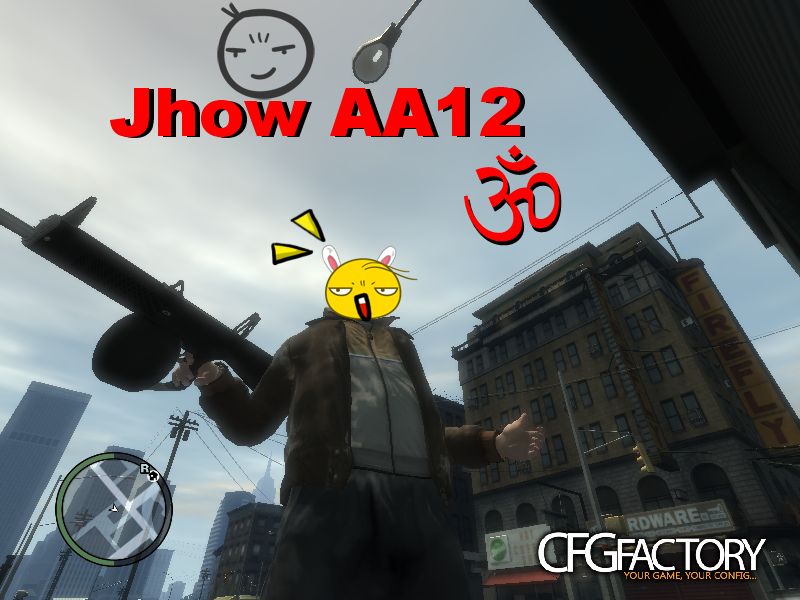
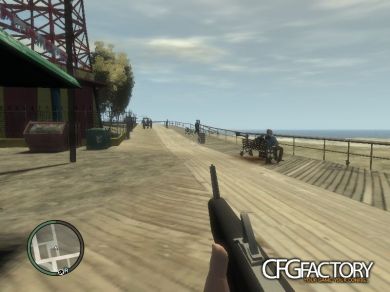
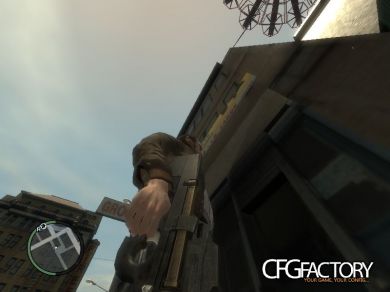
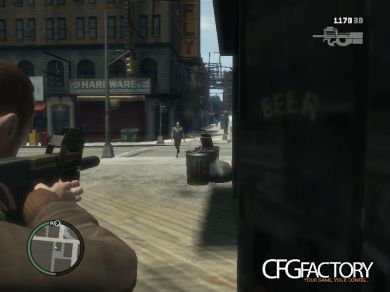
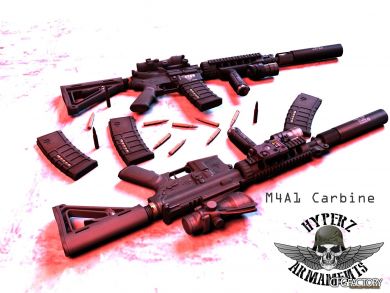
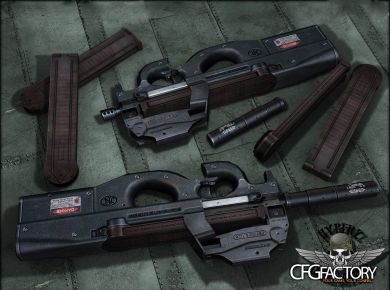
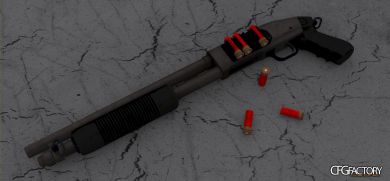
1:) Abra Spark, abrir o weapons.img."C:Arquivos de programas/Rockstar Games/Grand Theft Auto IV/pc/models/cdimages/weapons.img"
2:) Importe w_pumpshot.wdr e w_mp5.wdr, escolha a textura da arma "Artic ou Normal"
e depois salve.
3:) Abra o anim:"C:Arquivos de programas/Rockstar Games/Grand Theft Auto IV/pc/anim/anim"
4:) Importe os arquivos: gun@baretta.wad e gun@mp5k.wad, e depois salve.
5:) se divirta
English:
1:) Open Spark weapons.img. "C:/Profram Files/Rockstar Games/ Grand Theft Auto IV/pc/models/cdimages/weapons.img"
2:) w_mp5.wdr and w_pumpshot.wdr Import, choose the texture of the gun "or Normal Artic"
and then save.
3:) Open the anim: "C:/Program Files/Rockstar Games/Grand Theft Auto iv/pc/anim/anim.img"
4:) Import the files: gun@baretta.wad and gun@mp5k.wad, then save.
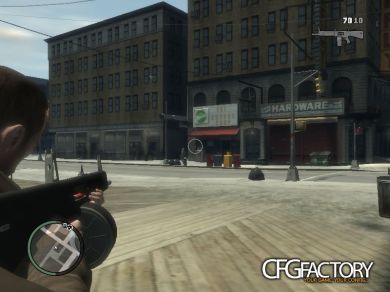
5:) have fun Replaces: pumpshot and mp5
Video
Comments 0
No comments yet - and the archive is read-only now.