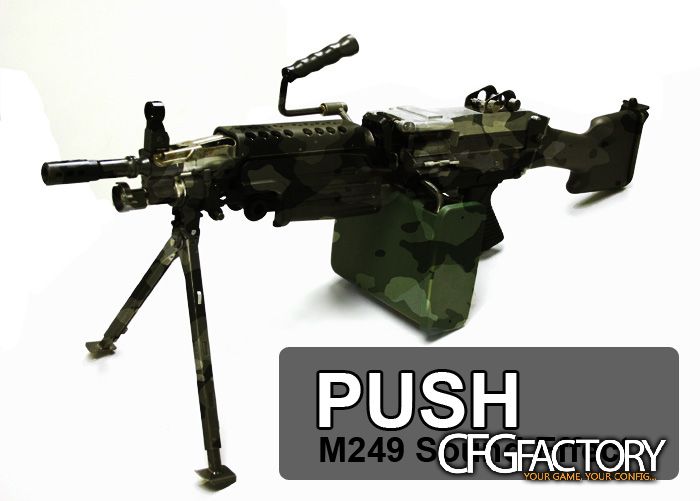
Description
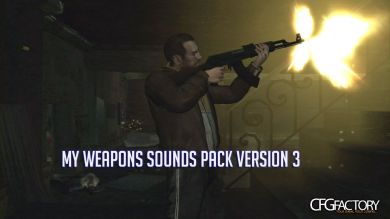
Gunshot Sound Effect for the M249 Saw
Installation:
Back up your files first!
1. Make sure first that you game is moddable.
Read this for some help about this : http://www.gtagaming.com/downloads/installation-help
2. Open SparkIV and open up Grand Theft Auto IV/pc/audio/Sfx/resident.rpf
3. Export WEAPONS.ivaud
4. Open up WEAPONS.ivaud with GTA-IVaud and replace the gunshot sound you want to change (ex. M4_SHOT1_L)
Make sure you replace all the gunshot sounds for the gun that you are using as an M249. Just listen to the sound effects you are trying to change if you are confused which sound is which.
5. Click Save and import WEAPONS.ivaud back to the resident.rpf using SparkIV and Save.
6. Test it in-game and Enjoy.
Video Preview:
http://www.youtube.com/watch?v=yt_2ahUI5PU
Replaces: WEAPONS.ivaud
Video
Comments 0
No comments yet - and the archive is read-only now.