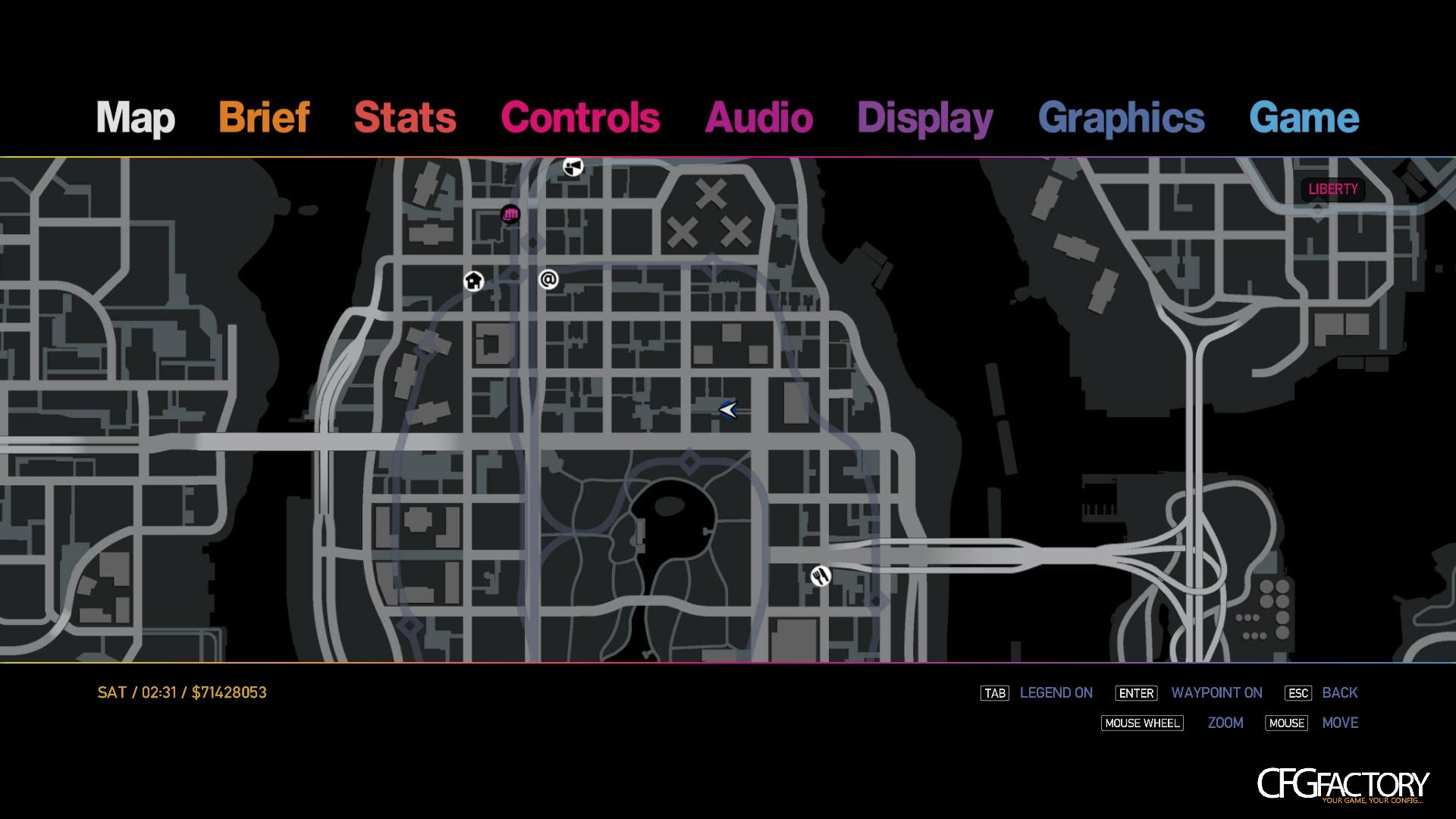
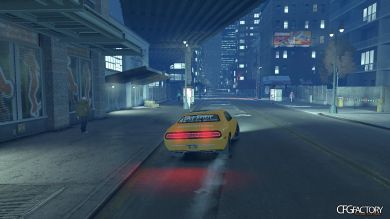
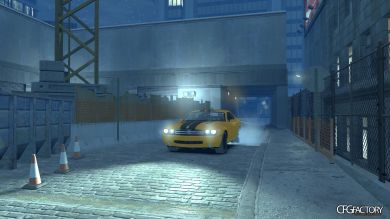
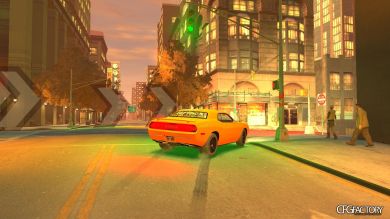
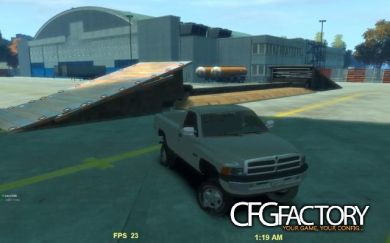
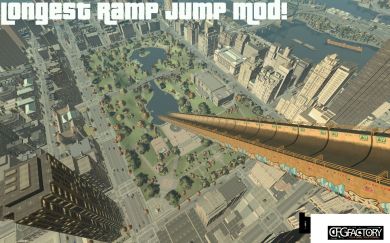
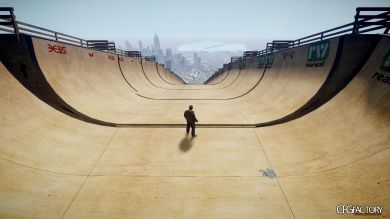
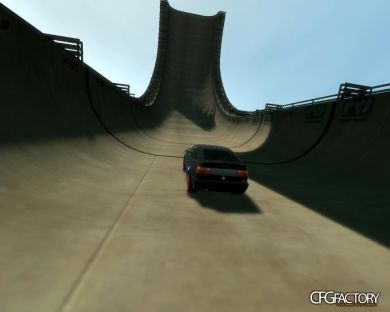
3 different race tracks in Alqonguin, hopefully you'll enjoy :)
1. Go to C://Program Files/Rockstar Games/EFLC (or IV)
2. Rename your old objects.ini files to Objects2.ini (Objects3,4,5,6.ini, etc.)
3. Drag the objects.ini files to your games main folder
4. Open up the game
5. Open Trainer and go to object spawning
6. Press Load objects from objects.ini Replaces: Objects.ini, Objects2.ini, Objects3.ini
Video
Comments 0
No comments yet - and the archive is read-only now.