Description
Upgraded Gas Station
____________________________
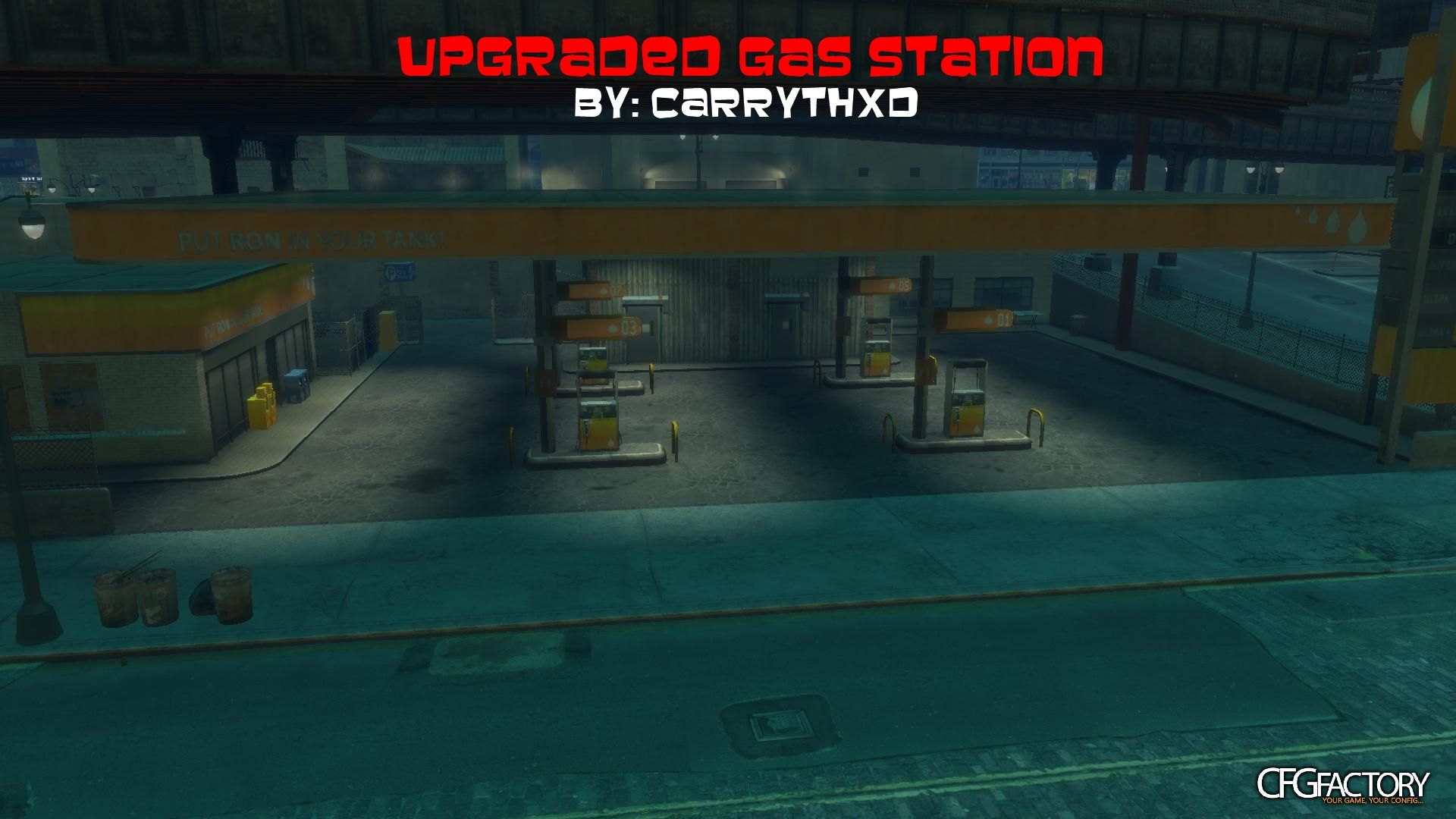
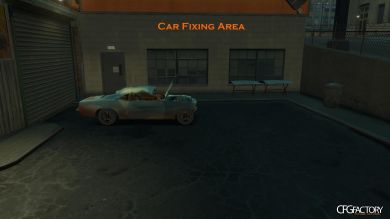
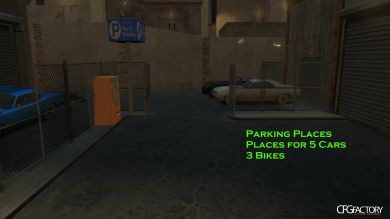
Well, I really don't know what you can do with this but this is a gas station in Alqonguin near Maisonette. Just some upgrades to the station: Parking Places, Car Fixing Place etc. Sorry I forgot that location pic, it comes tomorrow =( But if you have TBoGT you have to know where Maisonette is, right? So you go to Maisonette, then you drive that road until you see a gas station, that is this gas station :)
____________________________
How To Install:
1. Go to C://Program Files (x86)/RockStar Games/Grand Theft Auto IV (Or EFLC)
2. Copy/drag my objects.ini file to C://Program Files (x86)/RockStar Games/Grand Theft Auto IV
3. Start Grand Theft Auto IV
4. Open Trainer (F4)
5. Go to Alqonguin (Check the location pic)
6. Enjoy
Replaces: Objects.ini
____________________________
Well, I really don't know what you can do with this but this is a gas station in Alqonguin near Maisonette. Just some upgrades to the station: Parking Places, Car Fixing Place etc. Sorry I forgot that location pic, it comes tomorrow =( But if you have TBoGT you have to know where Maisonette is, right? So you go to Maisonette, then you drive that road until you see a gas station, that is this gas station :)
____________________________
How To Install:
1. Go to C://Program Files (x86)/RockStar Games/Grand Theft Auto IV (Or EFLC)
2. Copy/drag my objects.ini file to C://Program Files (x86)/RockStar Games/Grand Theft Auto IV
3. Start Grand Theft Auto IV
4. Open Trainer (F4)
5. Go to Alqonguin (Check the location pic)
6. Enjoy
Replaces: Objects.ini
Video
Comments 0
No comments yet - and the archive is read-only now.