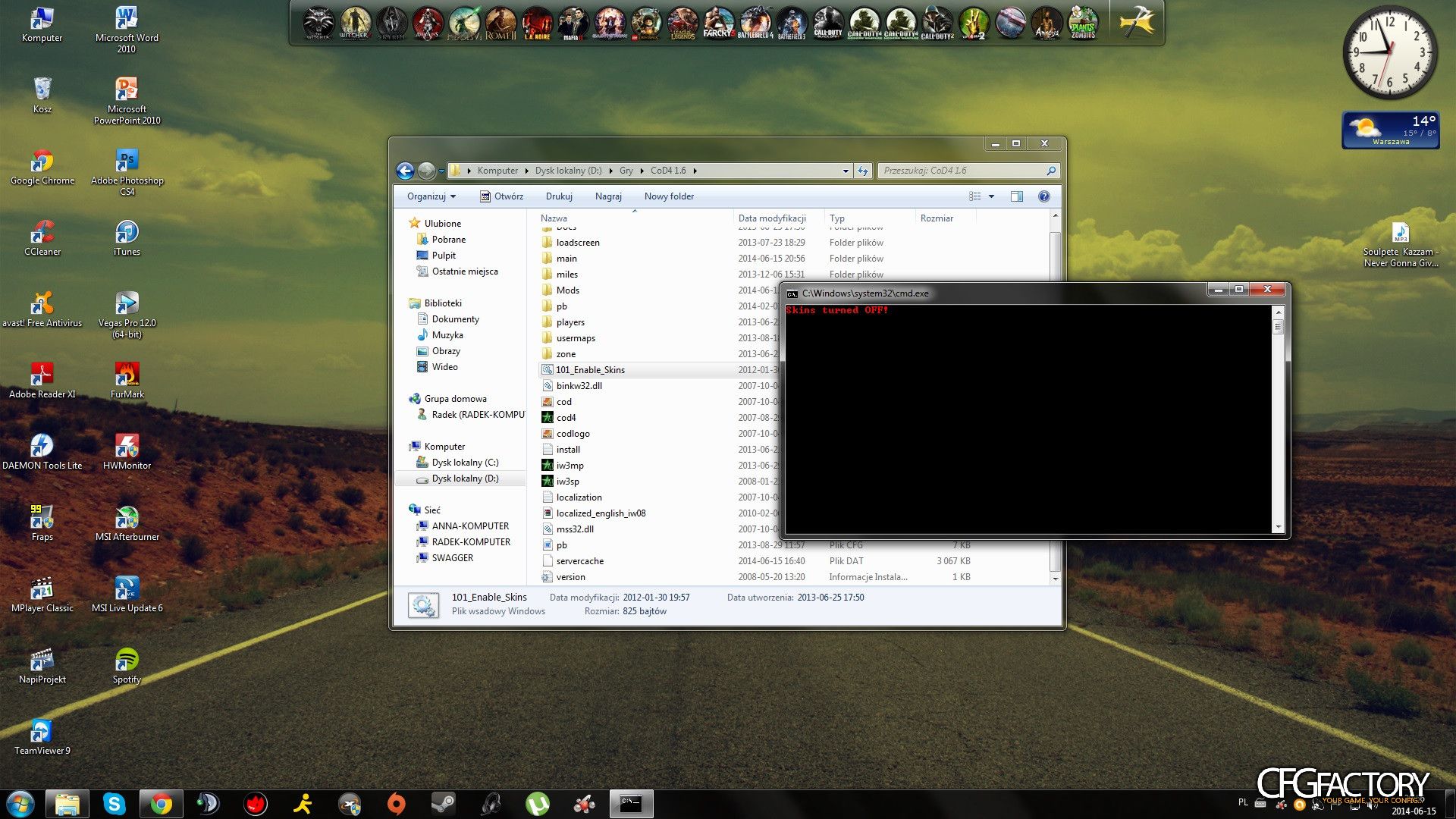
After unraring the file, You'll get 101_Enable_Skins.bat file. This simple file allows You to enable or disable Your custom skins just by clicking on it. All it does, is renaming the iw_00, iw_01 ect. to localized_english_aw01, localized_english_aw02 ect. Very handy and time saving thing :)
I did not make it, all credits go to my firend Kaif.
Note from CFGFactory admins: We have checked the files and they are perfectly safe to use :)
Comments 14
K
KeT0h
I think this has already been posted but nice anyways :3
M
Magnetopro
Ive been waiting for something like this :free:
J
JosephTheBoy123
how to enable
J
Jooka
Just paste 101_Enable_Skins.bat to your CoD4 installation folder and double click on it, you should see green inscription "Skins turned on!". And that's all. I'm 100% sure it works on english version of game, didn't test other language version.
T
TOMMZAH
have fun with MD5Tool kicks :]
1
1Soul1337
@TOMMZAH
We have checked the files and they are perfectly safe to use :) :why:
K
koene007
@1Soul1337 He means MD5tools kick for custom skins :D
J
Jooka
I think that deepends on the server. For example, netsky kicks for using custom skins, while you can have them on mazarini's one.:watchingyou:
K
koene007
y, its all about the server configuration. Some will kick you for it, some not.
D
deano01
You could add some custom overlays to netsky-promod and they will work :)

 KeT0h
 Magnetopro
 JosephTheBoy123
 Jooka
 TOMMZAH
 1Soul1337
 koene007
 Brezze94
 Giannis pentropoulos