Description
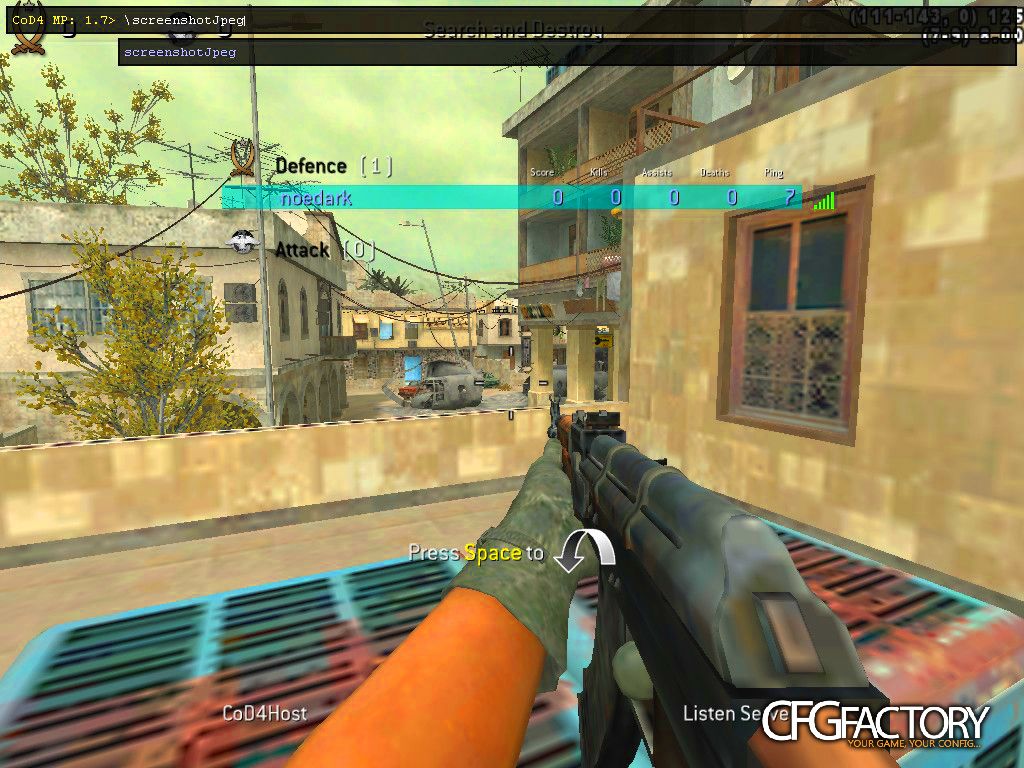
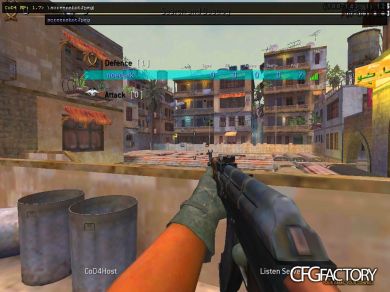
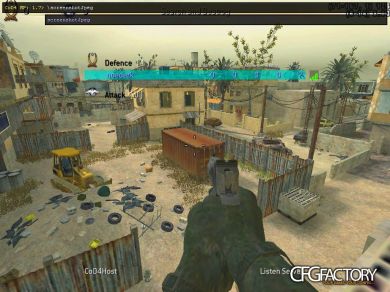
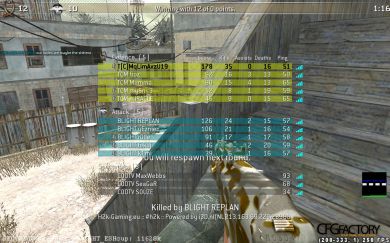
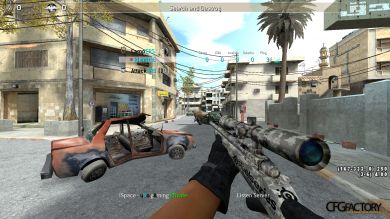
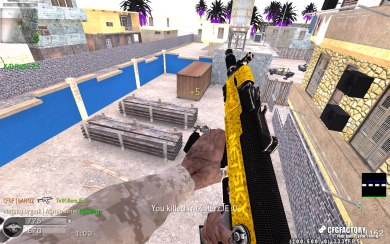
noedark's config.
Enjoy! :D
Comments 12
K kinzzzu
photoshop.:annoyed::facepalm:
N Noedark
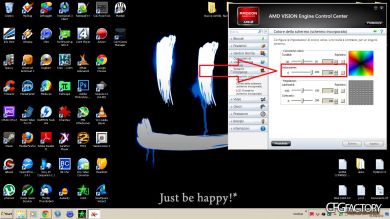
@kinzzzu I used photoshop to show how I see it. The result is the same.
NNoedark I changed the saturation of the pic, because sure as hell i can't change the saturation of your monitor!
Kkinzzzu Ohh sry :D Because it was funny,i dont have saturation on full but its so colorful.But ok now.:happy:
NNoedark np :)
NNoedark Use numeric keypad for FilmTweaks on the screenshot..
O Oli
how to do it at Nvidia?...
NNoedark NNoedark I post here the commands of the filmtweaks:
bind RIGHTARROW "r_filmtweakbrightness 0.155;r_filmtweakcontrast 1.3;seta r_filmtweakdarktint 1.6 1.7 1.85;r_filmtweakdesaturation 0;r_filmtweakenable 1;r_filmtweaklighttint 0.75 0.75 0.8;r_filmusetweaks 1;r_gamma 1.2"
bind KP_DOWNARROW "r_filmtweakbrightness 0.1;r_filmtweakcontrast 1.2;r_filmtweakdarktint 1.5 1.7 2.1;r_filmtweakdesaturation 0.2;r_filmtweakenable 1;r_filmtweaklighttint 1.3 1.1 1.1;r_gamma 1;^2colours"
bind KP_LEFTARROW "r_filmtweakenable 1; r_filmtweakdarktint 0.7 0.85 1;r_filmtweaklighttint 1 1 1; r_filmtweakdesaturation 0;^5BACKLOT"
bind KP_5 "r_filmtweakenable 1;r_filmtweakdarktint 0.9 1 1.1; r_filmtweaklighttint 1.1 1.1 1.1; r_filmtweakdesaturation 0; r_filmtweakcontrast 1.1;^5CITY/CRASH"
bind KP_RIGHTARROW "r_filmtweakenable 1; r_filmtweakdarktint 1.6 1.7 1.85; r_filmtweaklighttint 0.75 0.75 0.75;r_filmtweakdesaturation 0;^5CROSSFIRE"
bind KP_UPARROW "r_filmtweakenable 1; r_filmtweakdarktint 1.3 1.3 1.5; r_filmtweaklighttint 1 1 1; r_filmtweakdesaturation 0;^5STRIKE"
NNoedark For good results: First, RIGHTARROW, then KP_DOWNARROW (number 2 on numeric pad) and then the filmtweak of the map.
NNoedark New config!! http://cfgfactory.com/skins/show/5229e9b72d10b
NNoedark NEW CONFIG! [DECEMBER 2k14]:D
http://cod4.cfgfactory.com/skins/show/548d966e55341
Comments are archived - posting is closed.