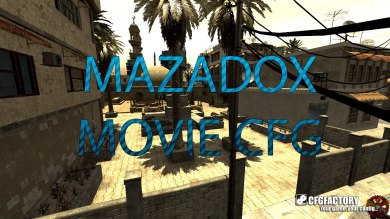
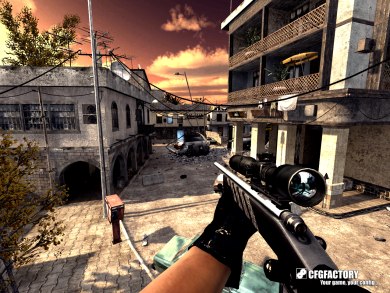
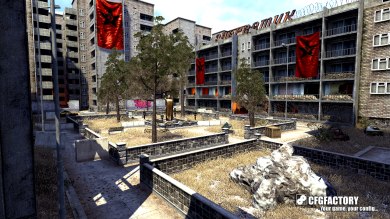
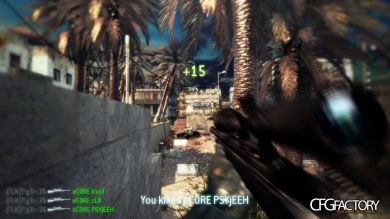
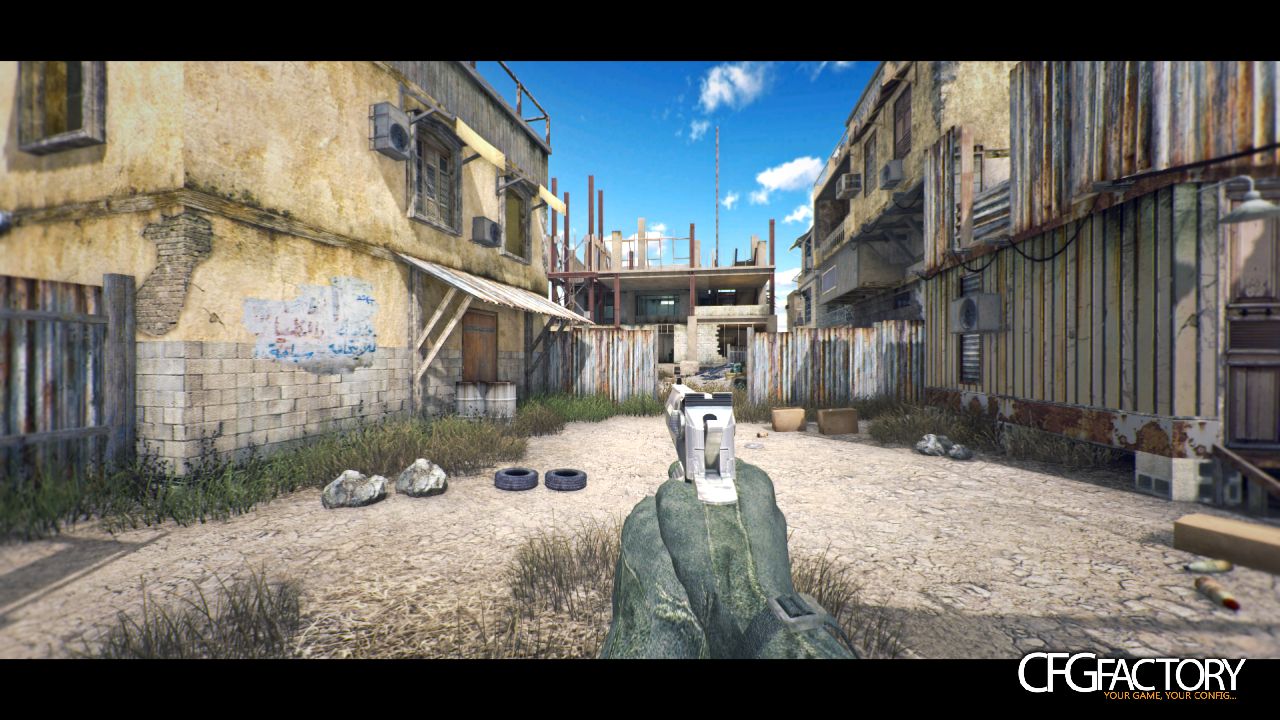
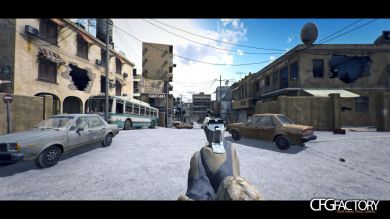
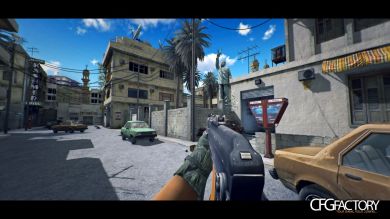
Not a huge difference, tried to keep it natural but give it a little boost :)
Also, my MBL has broken so I am unable to make any further changes :(
Remember to turn on Ambient Occlusion to get the same shadows as myself
Comments 25
M
maxzor
Nice and clean,backlot is amazing gj!:cool:
H
HiMMA
rly nice and clean good for some fraghighlight or something else !
C
Crel
Nice and clean yeah c:
A
Azercii
Thanks guys :D I never managed to get a video up of this one, so if anyone uses this, feel free to leave a link! I'd love to see it in action :D
T
tRoLfi
sick lol :lol:
M
mainz
sick :3:really:
A
Azercii
Okay guys, my friend just pointed out that his MBL file didn't look anything like mine. This is because my MBL decided to bug out and triple the amount of effects so it'll look terrible and not like the screenshots.
This link is the proper amount of effects: http://www.mediafire.com/download/xonqwgrsc99nzz2/SummerTime.MBLook
I'm ever so sorry D:
I
IdealismMovies
um, dumb question, but how do i turn on ambient occlusion :0?
A
Azercii
Idealism, it is not a dumb question at all :)
To turn on Ambient Occlusion, follow this tutorial: http://www.youtube.com/watch?v=Nq3diJ3v8gE
I
IdealismMovies
thx man :)
F
FoNiXx
nice :derpina:
Z
ZedOreo
this is fucking amazing. cheers :cool:
G
gothikangel
I tried this cfg but I dont get any vibrant colors like in the screenshots. The stages became a little clear tho. Does anybody have a solution ?
A
Azercii
Did you use the CC provided or the CC I linked above?
G
gothikangel
cool cfg. but I dont get vibrant colors like in the screenshots :(
G
gothikangel
sorry for the double post. I could'nt see my previous comment. Im new to cod4 modding and I dont know what a CC is but I copied summer time.cfg as config_mp.cfg in my players folder
G
gothikangel
This is how my game looks like at the moment http://tinypic.com/r/250v2g6/5
A
Azercii
This is a movie config, you don't place it inside your players folder. Place it inside your "main" folder, then create a new profile (call it whatever you want), open console then type /devmap mp_crash. After it has loaded up, type /exec SummerTime. The CC is Colour Correction, this is to be used with Magic Bullet Looks in Sony Vegas or After Effects
Always use a separate profile when using Movie Configs, otherwise you'll mess up your current mp_config
G
gothikangel
I get it now. Thanks for all the info! :)
O
Outlaw
5/10
W
wiagraz
Sky?
A
Azercii
Sorry man, haven't played CoD4 in a while and I've reinstalled it so many times, I've lost track of what mods I used lol
C
Crel
ik it's been a while but can you reupload your mblook file please c:
K
Kavesh Heeralaul
the link in the comment has been removed can u reupload it :/:fuuu:

 maxzor
 HiMMA
 Crel
 Azercii
 tRoLfi
 mainz
 ZedOreo
 gothikangel
 wiagraz
 Kavesh Heeralaul
 Fahim0