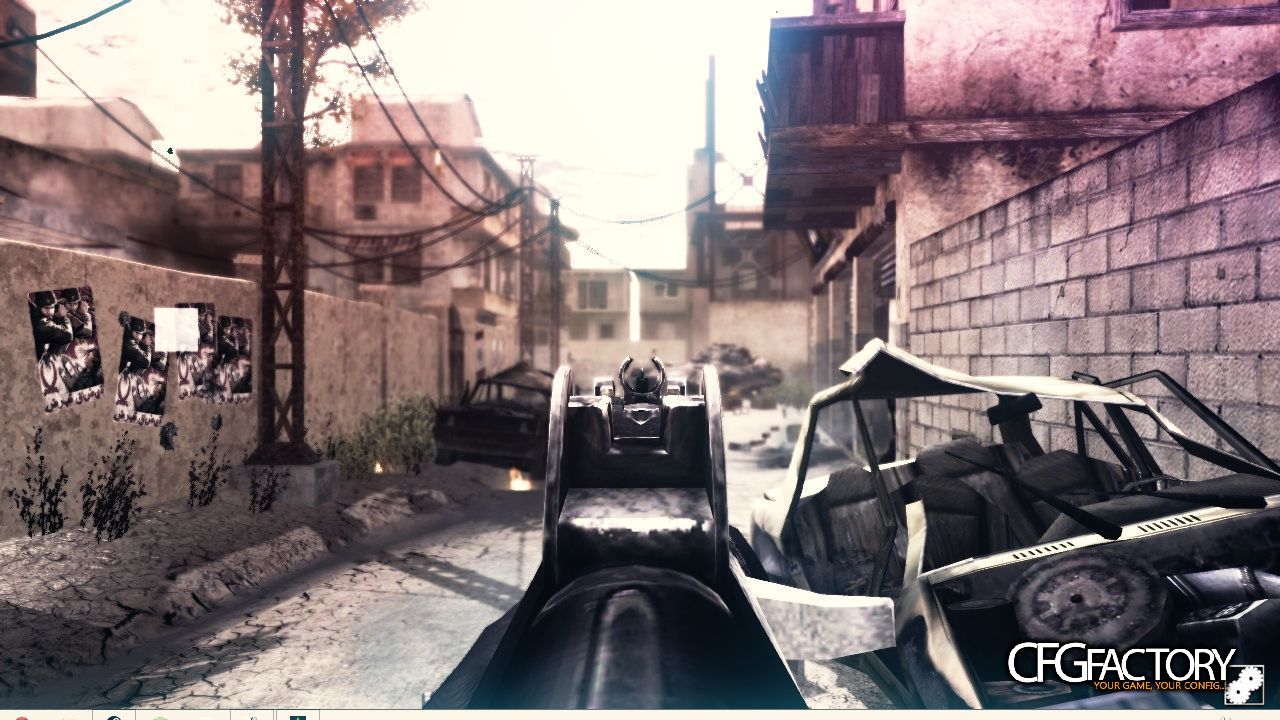
Description
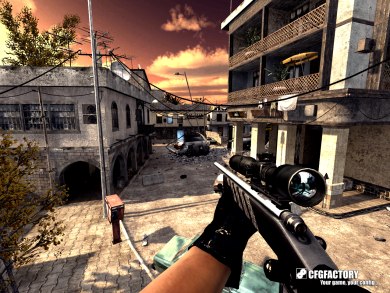
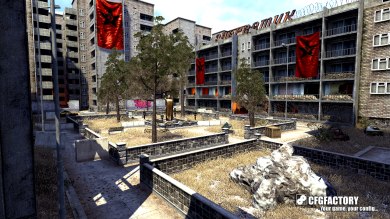
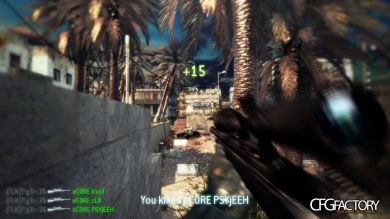
This is my first config I hope you can enjoy it.
Comments 21
K KeT0h
KeT0hLooks enjoyable on that one screenshot you provided :trollface:
Z zurasaur
is that the tripp pink cc? :trollface:
M maxzor
that trip cc xD
T TeQuyrin
it's tripps MLB some thing's ar just a bit different but i did copy some setting from tripps.
I did msg tripp on youtube and told him that i was gana use some settings from his MLB but change some things Like 4 months ago.
he said it was ok so ya sorry if I look like i saying that i made the mlb I only fully made the cfg.
Im not stilling stuff or taking Tripps stuff ether.
also Im new at this stuff so im still learning sorry if i look like a Dick.
TTeQuyrin
TeQuyrinAlso I uploaded more than one Picture Idk why there is only one showing up
TTeQuyrin
TeQuyrinThe Rest of the Photos can be seen in the .rar file;)
KKeT0h
KeT0hCalm down
k you modified tripp's cc and used it. It looks beautiful, but next time try making it by yourself :D
k you modified tripp's cc and used it. It looks beautiful, but next time try making it by yourself :D
C carA2k13
looks actually pretty cool without the cc as well
TTeQuyrin
TeQuyrinNot Just saying, not mad or nutting @KeT0h
996silent
96silent:yuno: nice
R ruvinda dilshan
how to install tis? :happy::happy:
TTeQuyrin
TeQuyrinTe=he same way you install every other movie cfg. #1. Go to you Cod4 Folder and drag and drop the Boxide.cfg into you main folder.
#2. this is only if you want to use my mod that in the .rar, drag and drop the MovieMod into your mods folder.
#3. this is only if you have Magic Bullet Looks installed on your Computer, Go to your LooksBuilder folder in your Programs, drag and drop the .MBLook into the looks folder inside the LooksBuilder Folder, Then wallah you have a working setup
E Eskei 69
:challenge:
TTeQuyrin
TeQuyrinOver 1000 Downloads :socute:
D darksouls
HOW TO USE THE BOXIDE.MBLOOK FILE?? HELP PLS
TTeQuyrin
TeQuyrin#1. Go to you Cod4 Folder and drag the Boxide.cfg into you main folder.
#2. this is only if you want to use my mod that in the .rar, drag and drop the MovieMod into your mods folder.
#3. this is only if you have Magic Bullet Looks installed on your Computer, Go to your LooksBuilder folder in your Programs, drag and drop the .MBLook into the looks folder inside the LooksBuilder Folder, Then wallah you have a working setup
TTeQuyrin
TeQuyrinSo #3 is your answer. you need red giant's magic bullet looks for after effects or any other video editing program that can use it.
TTeQuyrin
TeQuyrinFor Anyone Downloading this MCFG get the new .cfg fomr here:
http://www.cfgfactory.com/downloads/show/57969ab9c4dbc
version 2 of my first ever movie config.
Some lighting fixes, Blur distance and FOV changes.
more screenshots this time around + a video "Kappa"
http://www.cfgfactory.com/downloads/show/57969ab9c4dbc
version 2 of my first ever movie config.
Some lighting fixes, Blur distance and FOV changes.
more screenshots this time around + a video "Kappa"
Wwajeeh azeem
wajeeh azeemtried ur friggin awesome cfg mate: https://www.youtube.com/watch?v=5rD42tPxuUs (btw i get these green shades how to remove them? http://www26.zippyshare.com/v/z1e5wAuw/file.html
TTeQuyrin
TeQuyrinthe green is part of the mlb look, to remove it you need to use a new mlb or edit the one that came with the cfg
P pourya5317
dud now is this cfg real and work?!
Comments are archived - posting is closed.