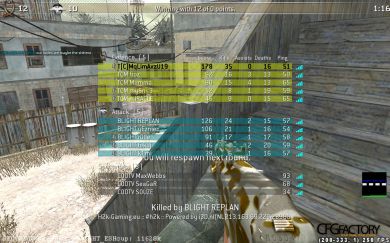
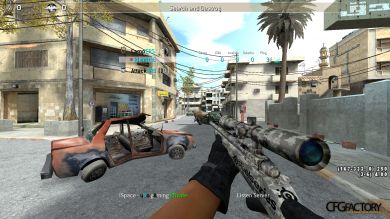
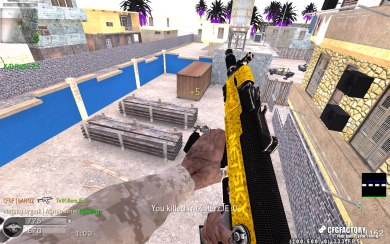
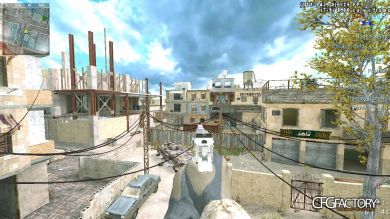
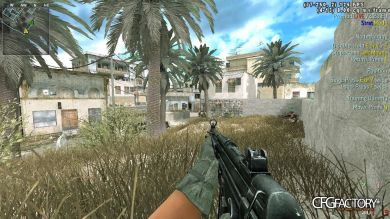
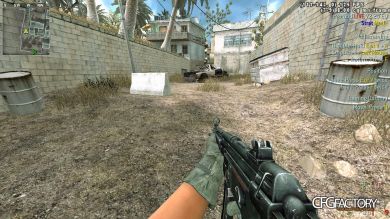
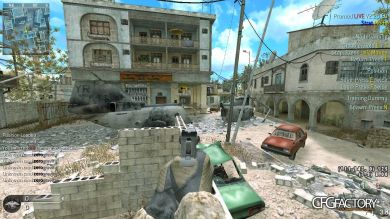
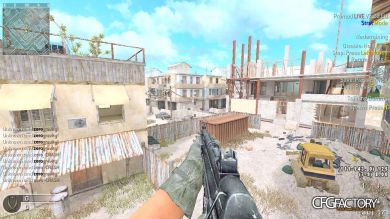
hey its zero, its my currnent cfg, older one was deleted for little bug..
now its completly bug free :) ,
here are some guide for use this cfg:
1.after opening cfg use this command to change fps con_maxfps "125/250" dont use 'com_maxfps' that will not work on my cfg :p
2. pressing 5 team command "on me" "am planting cover me"
3. pressing 6 team command "area secrued"
4. pressing f7&f8 have 2 flim tweaks :) , i will prefer to use them [lighting: stock mode]
5.pressing k u will got a slogan :v
and yeah i use them with a costom sky [ http://www.cfgfactory.com/downloads/show/4dd957e65a35d ], for better looks..
hope u will like it.. if any qustion or suggestions comments down below :)
Comments 4
A
alixhan
tell me where i past this file??
F
Fahim0
are u on cod4 1.7 or 1.8 patch? , if 1.7 go to cod4 folder>player>whatever urplayer name> copy paste there, or if 1.8 patch press ur pc's windows button>write "run" on searchbox> on run search for appdata>local>cod4mw> player>whatevrr ur player name>copy paste there.. ... happy gaming <3

 alixhan
 Fahim0