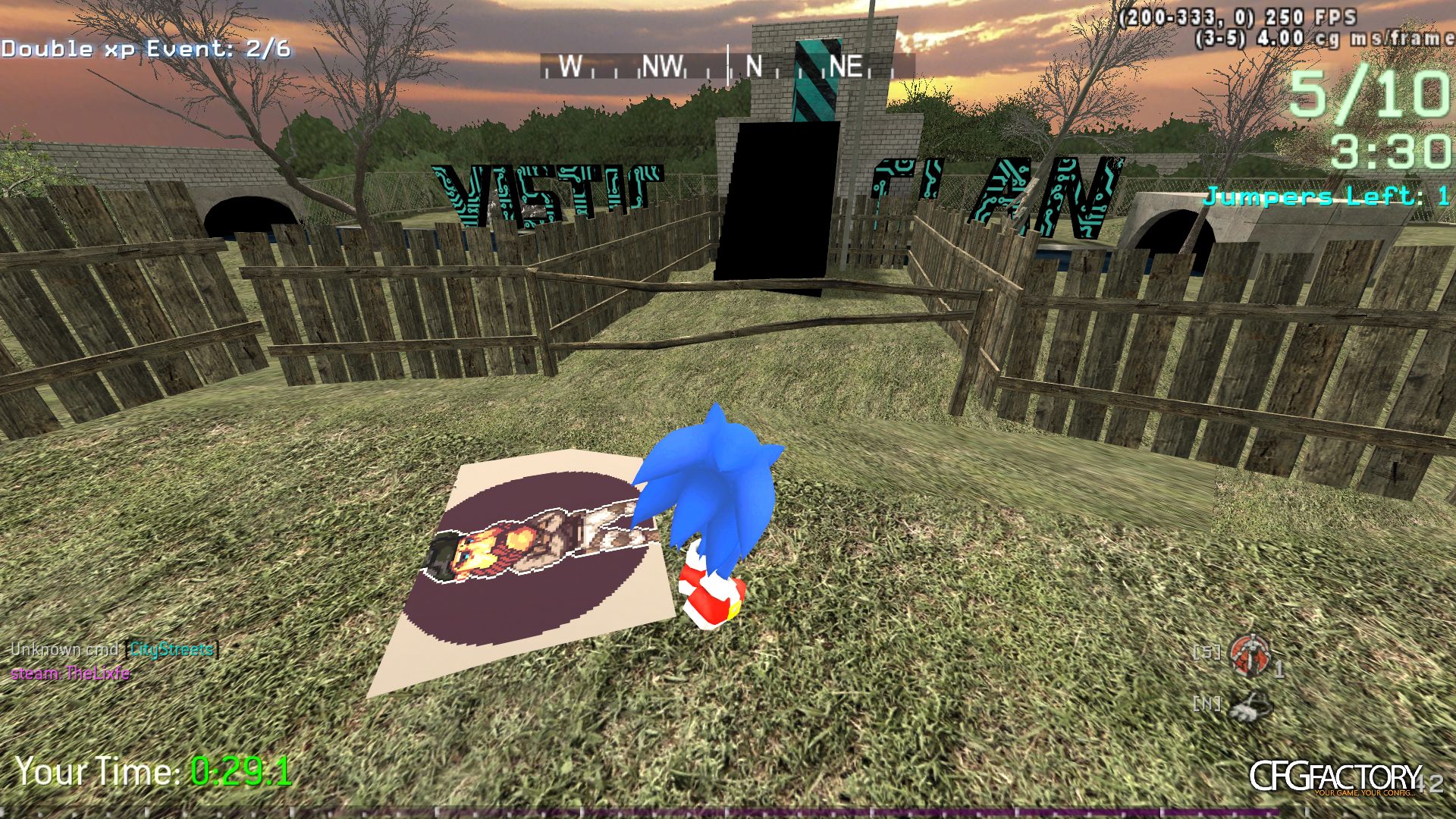
Description
Enjoy in custom model,if you have any problem with custom model contact me on forum (https://forum.cwphr.pw/)
Comments 7
P pk_killer8
BRo Plzzz Tell Me How To USe ???
Ppk_killer8
pk_killer8How To Install ?
T TheSnakeMusic
How to install :(:(:(:(:(:(:(
G Gmzorz
You have to compile the mod
1. download cod4 mod tools and extract in cod4 dir -> https://github.com/promod/CoD4-Mod-Tools/archive/master.zip
2. go to mods, copy ModWarfare and rename the copy to sonic_mod
3. Download this file: https://raw.githubusercontent.com/gmzorz/ProModWarfare/master/compile.bat, save as compile.bat in the new sonic_mod folder
4. Download the sonic mod from this page, extract all files (images, materials, xmodel, xmodelparts, xmodelsurfs and mod.csv) into the sonic_mod folderand overwrite if necessary
You can already compile it at this point, but the character model is just sitting there
To assign the model to a character go to your cod4 directory
1. Go to raw/character and find the character model you want to replace.
2. Open the corresponding .gsc file using a text editor such as notepad (i'm going to choose character_mp_usmc_assault.gsc)
3. In here, you will see a piece of code. the setModel function sets the xmodel for the character. so you can change self setModel("body_mp_usmc_assault"); to self setModel("sonic");
4. This model is a fullbody xmodel, which means it doesn't have a separate model for the head, you need to comment out the original head model as well (change self attach("head_mp_usmc_tactical_mich", "", true); to // self attach("head_mp_usmc_tactical_mich", "", true);
5. Save the file in mods/sonic_mod/character (create a new folder called character)
5. Add the rawfile to mod.csv, open mod.csv using notepad and add the line rawfile,character/character_mp_usmc_assault.gsc. Then save the file
Final step
run compile.bat as admin and your mod should compile
GGIGABYTE1023
GIGABYTE1023Nice Skin
D demongayya
HUkanno Ko Material_propeties ? Mn da Hadanna One Ewa Mariyan Pakaya
:@:@:@:@:@:@:@
:@:@:@:@:@:@:@
GGIGABYTE1023
GIGABYTE1023VERRRYYYYYYY Nice i like sonic
Comments are archived - posting is closed.