Call of Duty 4: Modern Warfare 7754Grand Theft Auto IV 5026Call of Duty 2 345Call of Duty: Modern Warfare 2 246Call of Duty: World at War 196Black Ops 2 85Call of Duty: Modern Warfare 3 62Battlefield 2 42Call of Duty: Black Ops 37Counterstrike: Source 21Counterstrike Global Offensive 10Farming Simulator 2013 4Crossfire 3MODELS 2NEWS 1
J3rRy-HighFPS-cfg
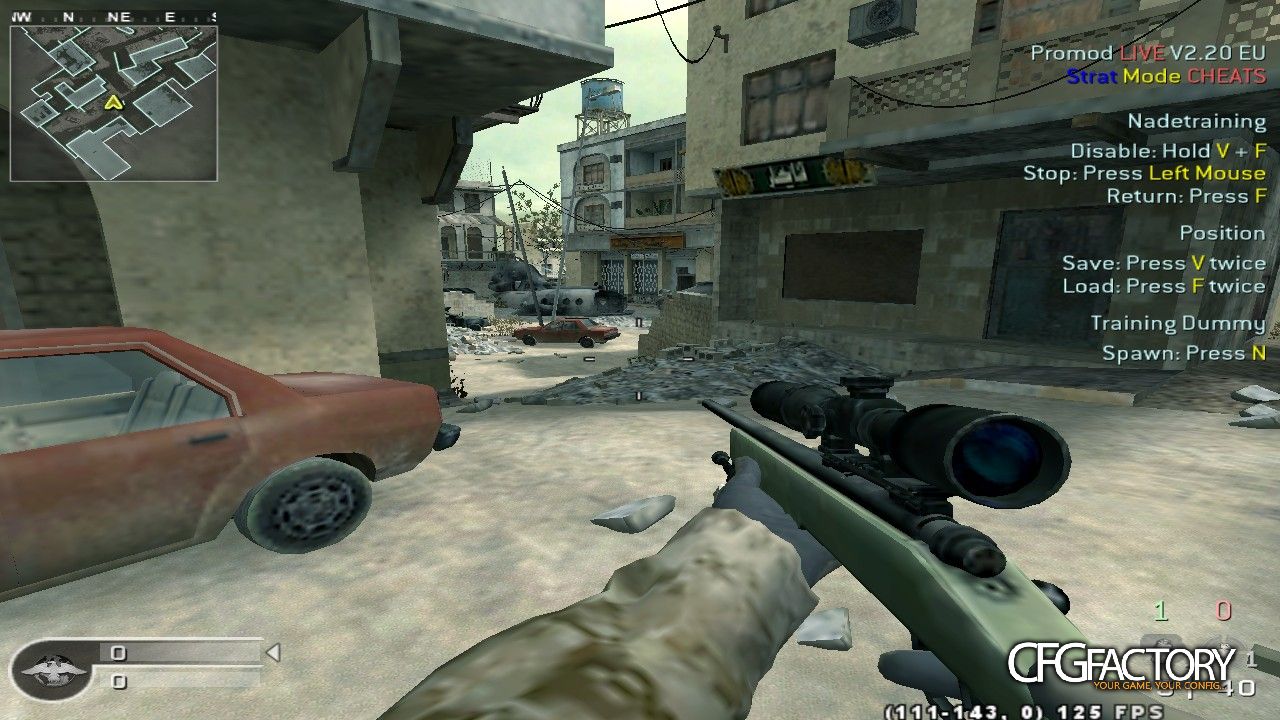
Description
Hello AOA...
J3rRy here <3
Hope you guys are fine. I have
tested this CFG in my Low-End PC
SPECS
======
Core 2 Duo E86500 3.16 GHz
RAM : 2GB
Graphics Card : Nvidia Geforce 310 [512mb]
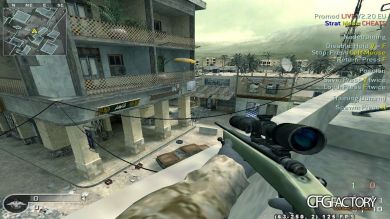
It is giving me 125 constant fps at 1280X720 resolution. There are FPS
drops at some places like that long road looking from one base to another
in crossfire... but it should be O K...
In addition to FPS boost i have added other controls in this cfg....
You can modify according to your will....
BINDS [In order to Unbind just type /unbind
=====
SPACE = Jump + Weapon Switch bind
2 = Deagle slow switch bind (provided you have 250 constant fps)
ALT = Weapon Switch Bind
[ = PLANT AT A (say_team)
] = PLANT AT B (say_team)
F1 = Vote Yes
F2 = Vote No
F3 = Quick message "ON ME!!!" + Follow Me (say_team)
F4 = Quick message "Contact!!!" + Enemy in sight (say_team)
F5 = Enemy Down!!! Hold your fire until further contact. (say_team)
F6 = Quick message "Regroup!!!"
F7 = Quick message "Hold this position"
F8 = Quick message "Area Secured!!!"
F9 = Quick message "Moving" + On my way.. Hold On (say_team)
F10 = Quick message "Sorry!"
F12 = take screenshot
0 = Strafe Bind (for nubs who dont know how to strafe this bind is for
them. Strafe to the LEFT)
METHOD TO CORRECTLY PLACE CFG:
================================
--> On your drive where windows is installed suppose C:/ drive, go to Users//AppData/Local/CallofDuty4MW
There you will find players folder and in that folder you will find profiles folder. place whole folder J3rRy_FPScfg in profiles
folder. After that play the game select profile and select J3rRy_FPScfg and simply play....
NOTE: AppData folder will be hidden so first you have to Show Hidden Files and Folders
ALTERNATE METHOD : or simply paste this path in your file explorer
C:UsersAppDataLocalCallofDuty4MWplayersprofiles
e.g my username is mohsi so i will place as
C:UsersmohsiAppDataLocalCallofDuty4MWplayersprofiles
====================SPECIAL REGARDS : J3rRy==============================
-> Film Tweaks are basic (default)
--> Support me
Follow on Instagram -> www.instagram.com/arty.34
FaceBook Account -> www.facebook.com/J3rRy.ArTy
Subscribe me on Youtube ->
https://www.youtube.com/channel/UC4f7ZS0EckxnD3pSONv84Ow
If you are experiencing lags/freezes on your cod4 or any other game
and you have an intel card , watch this video. IA it fill fix your
issues...
Video : https://www.youtube.com/watch?v=ZZWxdJ1GUnw
(By J3rRy)
⇩ Download
Mirror: CFGFactory (DE)
File info
- AuthorJ3rRy
- Uploader
 J3rRy34
 - Websitewww.instagram.com/arty.34 , www.facebook.com/J3rRy.ArTy , https://www.youtube.com/channel/UC4f7ZS0EckxnD3pSONv84Ow
- UploadedMarch 21, 2020, 12:06 pm
- Size8.38 kB
- Downloads581
- Rating☆☆☆☆☆ 0/10