Call of Duty 4: Modern Warfare 7754Grand Theft Auto IV 5026Call of Duty 2 345Call of Duty: Modern Warfare 2 246Call of Duty: World at War 196Black Ops 2 85Call of Duty: Modern Warfare 3 62Battlefield 2 42Call of Duty: Black Ops 37Counterstrike: Source 21Counterstrike Global Offensive 10Farming Simulator 2013 4Crossfire 3MODELS 2NEWS 1
xM#qabSol CfG High fps
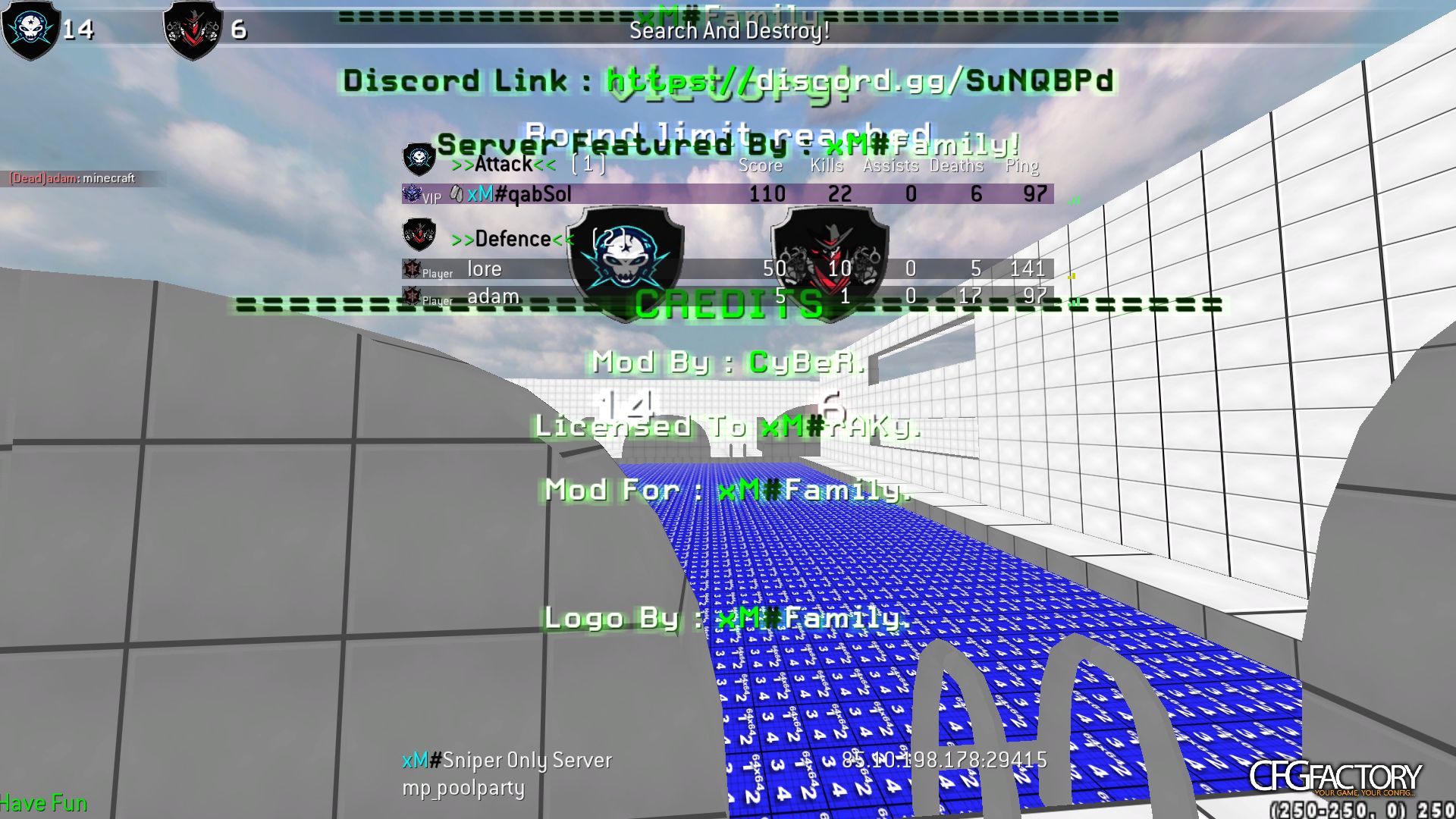
Description
Hi guys,
my Name is qabSol (in my earlier gaming time my name was "$.W.@.T").
As is saw now my old configs got already very famous here but there is one difference between this cfg and my old ones:
I didnt change any settings to get high fps, because i already got a good PC.
But if u want high FPS here are some good tips from daddy:
1. Go to your cod4 .exe file (normally named like "iw3mp.exe").
2. Open the file with any text editor (i prefer "Notepad++")
3. Now u need to search for some commands. At first search for "lodBiasRigid"
4. Change the command from "r_lodScaleRigid" to "j_lodScaleRigid"
5. Now search for "r_lodScaleSkinned" and change it to "j_lodScaleSkinned"
6. now safe the file and go to your config(if you use mine you dont need to do this)
7. Type into your config (doesnt matter where) >j_lodScaleSkinned "4"<
and as second >j_lodScaleRigid "4"<
8. Just safe your config again and enjoy playing with more fps :3
Just if you want to know what these commands do:
the lodScaleRigid command reduces the distance of showing items and gras.
And the lodScaleSkinned command just reduces the details of skinned models (other players, if i understood it right haha)
Or read the description in the cod4 console.
So.... I hope you guys will have fun with my config.
Have a nice day and leave a comment to this config, thanks.
See you cod4 !!
my Name is qabSol (in my earlier gaming time my name was "$.W.@.T").
As is saw now my old configs got already very famous here but there is one difference between this cfg and my old ones:
I didnt change any settings to get high fps, because i already got a good PC.
But if u want high FPS here are some good tips from daddy:
1. Go to your cod4 .exe file (normally named like "iw3mp.exe").
2. Open the file with any text editor (i prefer "Notepad++")
3. Now u need to search for some commands. At first search for "lodBiasRigid"
4. Change the command from "r_lodScaleRigid" to "j_lodScaleRigid"
5. Now search for "r_lodScaleSkinned" and change it to "j_lodScaleSkinned"
6. now safe the file and go to your config(if you use mine you dont need to do this)
7. Type into your config (doesnt matter where) >j_lodScaleSkinned "4"<
and as second >j_lodScaleRigid "4"<
8. Just safe your config again and enjoy playing with more fps :3
Just if you want to know what these commands do:
the lodScaleRigid command reduces the distance of showing items and gras.
And the lodScaleSkinned command just reduces the details of skinned models (other players, if i understood it right haha)
Or read the description in the cod4 console.
So.... I hope you guys will have fun with my config.
Have a nice day and leave a comment to this config, thanks.
See you cod4 !!
⇩ Download
Mirror: CFGFactory (DE)
File info
- AuthorqabSol
- Uploader
 stpolo01
 - Websiten/a
- UploadedFebruary 3, 2022, 2:40 pm
- Size24.09 kB
- Downloads748
- Rating☆☆☆☆☆ 0/10