Description
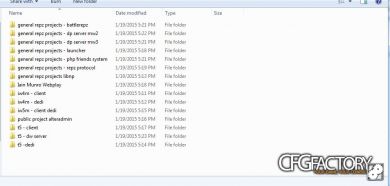
0. make IW4x Root folder wherever you want
1. Copy Call of Duty: Modern Warfare 2 (base game) files to IW4x Root folder
2. Copy IW4x base files to IW4x Root folder
https://xlabs.dev/support_iw4x_client
3. Put/copy zonetool files to IW4x Root folder
4. Put/copy the makeMod.bat your IW4x Root\mod\(your_mod_name) folder
And Make or copy the mod.csv your IW4x Root\mod\(your_mod_name) folder
5. Put the required assets your IW4x Root\mod\(your_mod_name) folder
6. Run the makeMod.bat file your IW4x Root\mod\(your_mod_name) folder
https://github.com/Joelrau/IW4x_DeathRun
https://www.youtube.com/watch?v=mqr6XJapZQ0
Video
Comments 0
No comments yet - and the archive is read-only now.