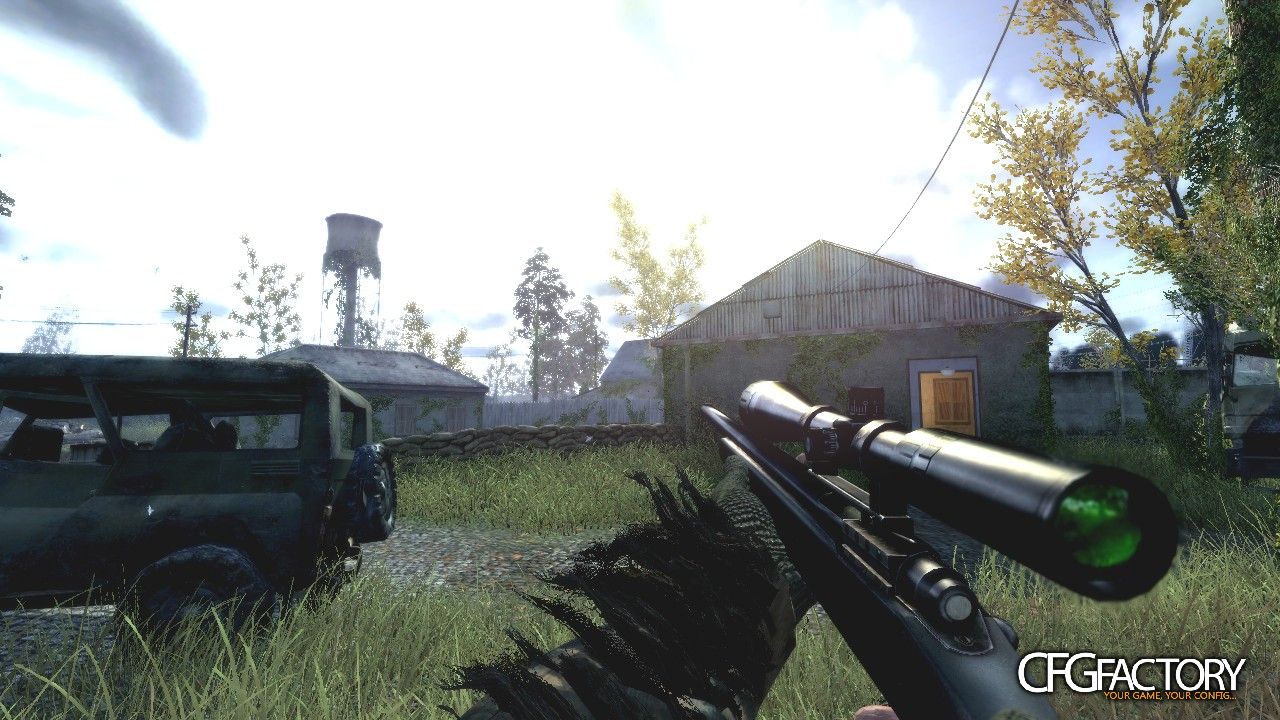
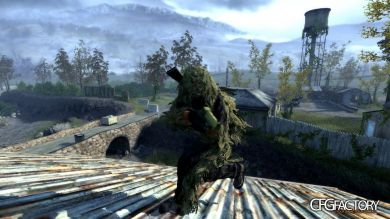
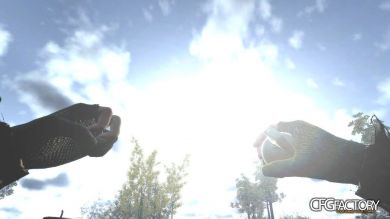


Description
So..
I had some time and write a Program ( kinda like Cybopath's Cod4Player ).
What's different about this, is that there are some 'extras'.
- It writes usefull binds to a config
- Also writes a basic movie config
- Starts Cod4 with the movie config loaded from start
- Saves your config_mp, so nothing gets changed
- Asks you to run with mod, if the demo was recorded under a mod
There are also some other little batch scripts i wrote, which could help.
The zip includes:
- Demoplayer.exe
- Skinsconverter.bat
- ResetHomepath.bat
- Some other programs
- A sample Demo
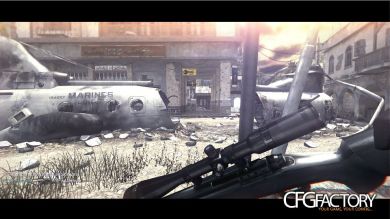
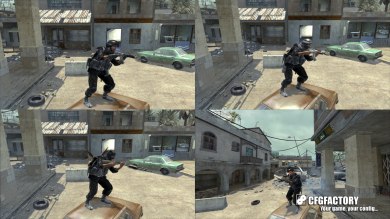
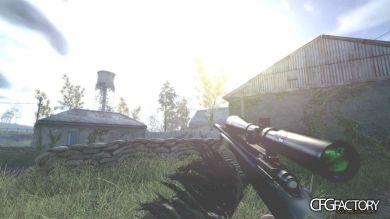
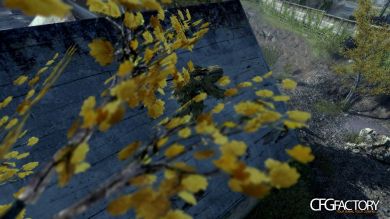
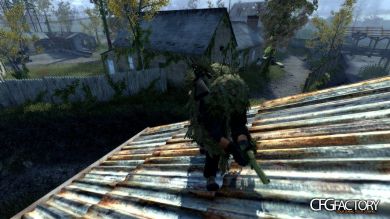
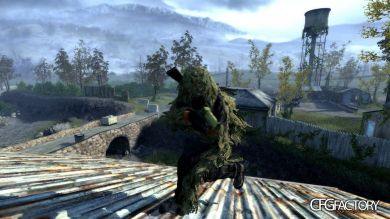
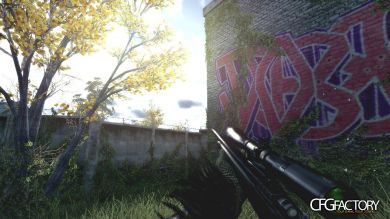
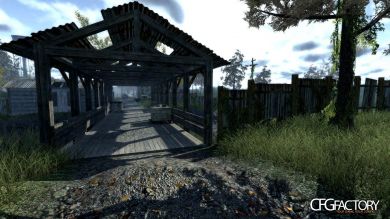
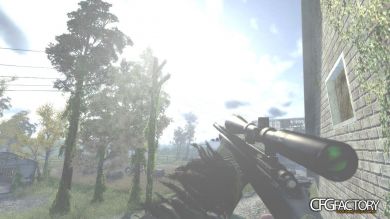
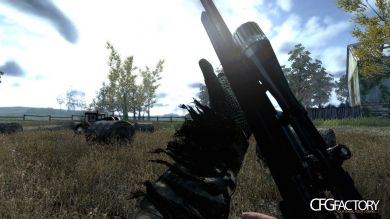
- Screenshots
Screenshots are unedited.
I hope everything goes well with the Program, have fun!
8 screenshots were added by bARTZZ
CFGFactory is NOT responsible for files inside this package, use them at your own risk !!!
Comments 22
D
DonKeY
DonKeYnice but why only that map has screens??
N
neko
nekoWhat a question XD.
I could take more..
But just wanted to get it finished after I spent quite some time on it.
I could take more..
But just wanted to get it finished after I spent quite some time on it.
G
Groeneh
GroenehO.o dat_quality and share cfg? :P
N
neko
nekoif everything worked correctly, the cfg should be in your 'main' folder named movie.cfg
R
RansomMachine
RansomMachineThat is so cool and it all worked for me thanks :D
T
ThisIsBooty
ThisIsBootyThe killfeed color was blue and white for me in the beginning but now it's back to normal? :( Also I tried recording with cl_avidemo, but I can't find where it saves the screenshots? I'm pretty sure it's not even recording :\?
Please help, I love the quality and the cfg and really want to use this <3 :)
T
ThisIsBooty
ThisIsBootyNevermind figured it out and love it <3
R
rossdavies
rossdaviesvery handy alot better than cod4 player : )
M
Magic X
Magic Xhow do you make it play in fullscreen the vid is pretty small :/
N
neko
nekoIt's in HD, I wouldn't know why you'd need a higher res, but if you go to your "Cod4\main" folder in 'movie.cfg' you'll be able to change anything.
change:
seta r_fullscreen "0"
seta r_mode "1280x720"
to:
seta r_fullscreen "1"
seta r_mode "1920x1080"
that should do it.
change:
seta r_fullscreen "0"
seta r_mode "1280x720"
to:
seta r_fullscreen "1"
seta r_mode "1920x1080"
that should do it.
D
DanneTheMan
DanneTheManWhat CFG is that? Link please (:
N
neko
neko"if everything worked correctly, the cfg should be in your 'main' folder named movie.cfg"
M
Magic X
Magic X@neko its really blurry. :(
N
neko
nekothen go in main/movie.cfg and set r_blur to something lower
A
Arno
ArnoI have read everything, and done everything but I still, like Groehen, can't find the movie.cfg in the main... please help
N
neko
nekoHm.. Well is it working? Does it look like in the screenshots?
If so, the movie cfg is loaded and it should be under 'main'
N
neko
nekoA friend reported a bug..
It seems you can't have spaces in the demo-name
N
Napster4life
Napster4lifeGJ, Bro!
E
eddehjeh
eddehjehAny ideas on getting the player to load a mod? I've changed the values in the .ini file but still no luck it seems to play the demo on stock cod4
S
skybot
skybotMy Anti-Virus reported the demoplayer.exe as a trojan, dunno if it's false+ or what
M
Migxeel
MigxeelMOVIECFG PLEASE !!!!!!!! :D:D:D:D:D:D:D
M
MrSuddenlyLost
MrSuddenlyLostshame it doesnt work with custom maps
Comments are archived - posting is closed.